
Frameleaf for iPhone and iPad.
One native app, written in Swift for iOS 26, that backs up your camera roll to your own server and puts your whole library in your pocket.


Coming soon to the App Store.
Made for the way you use your phone.
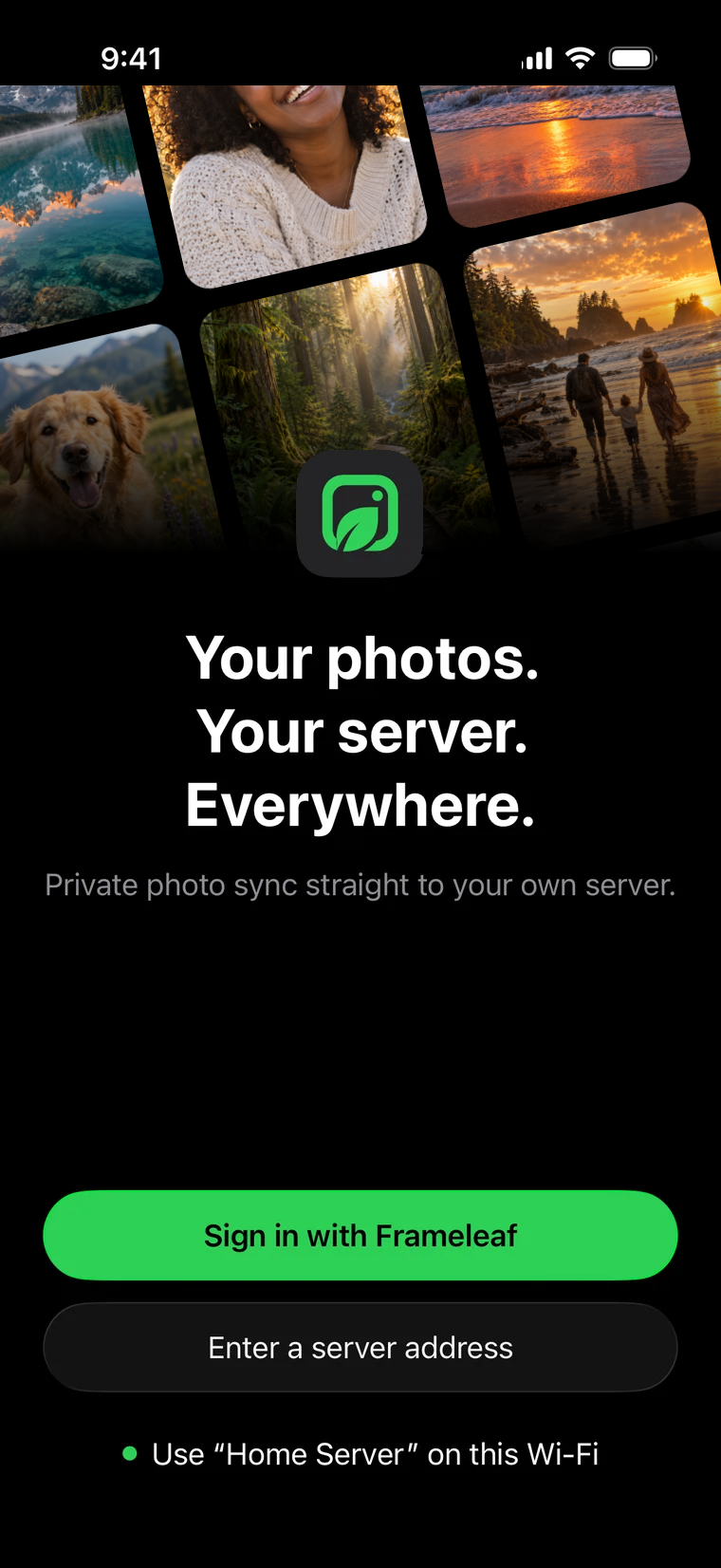
Connects in one tap
At home, the app finds your Frameleaf server on Wi-Fi and offers it in a card. Away, sign in with your Frameleaf account or type your server address.
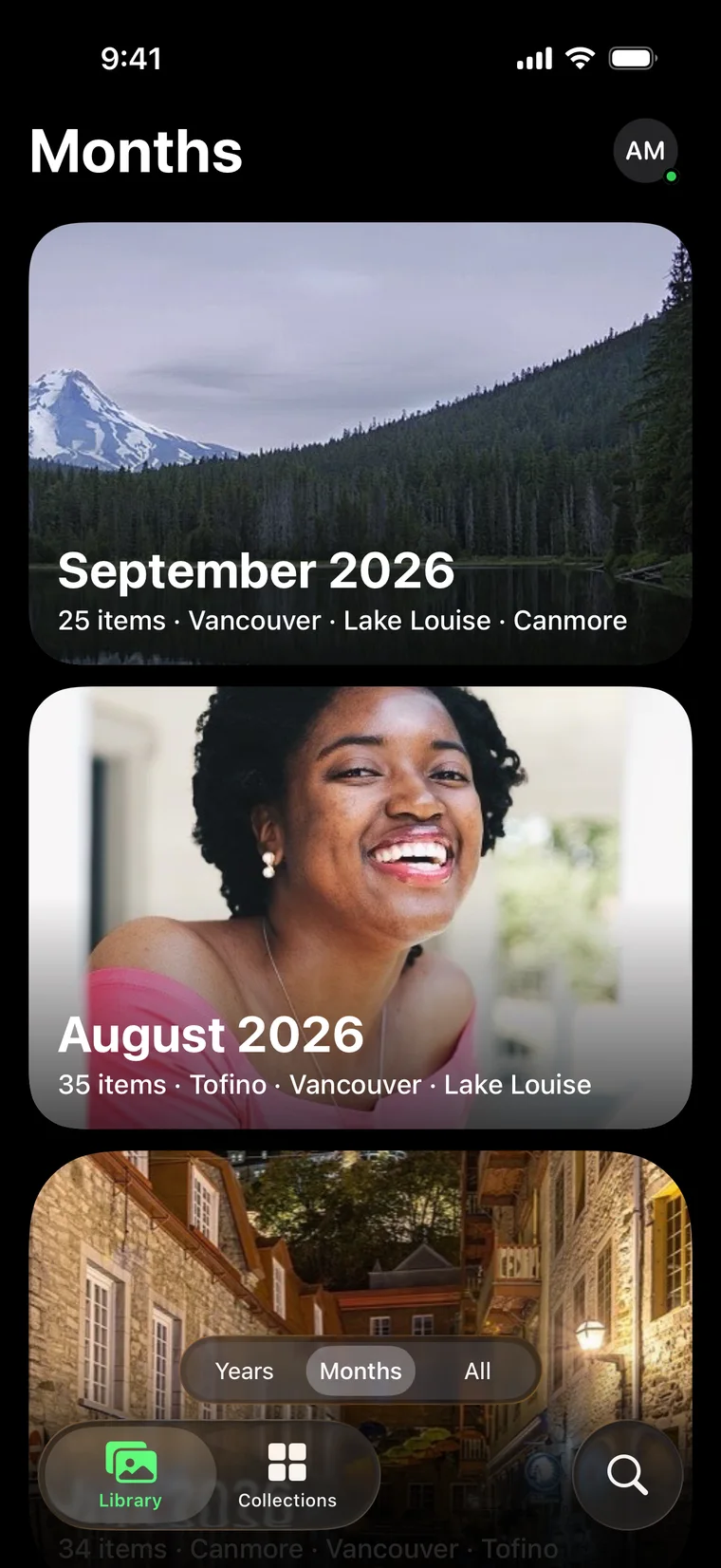
Every year, every month
Years and Months open as big cover cards, and All is an edge-to-edge grid you pinch to resize. Times show the clock where the photo was taken.
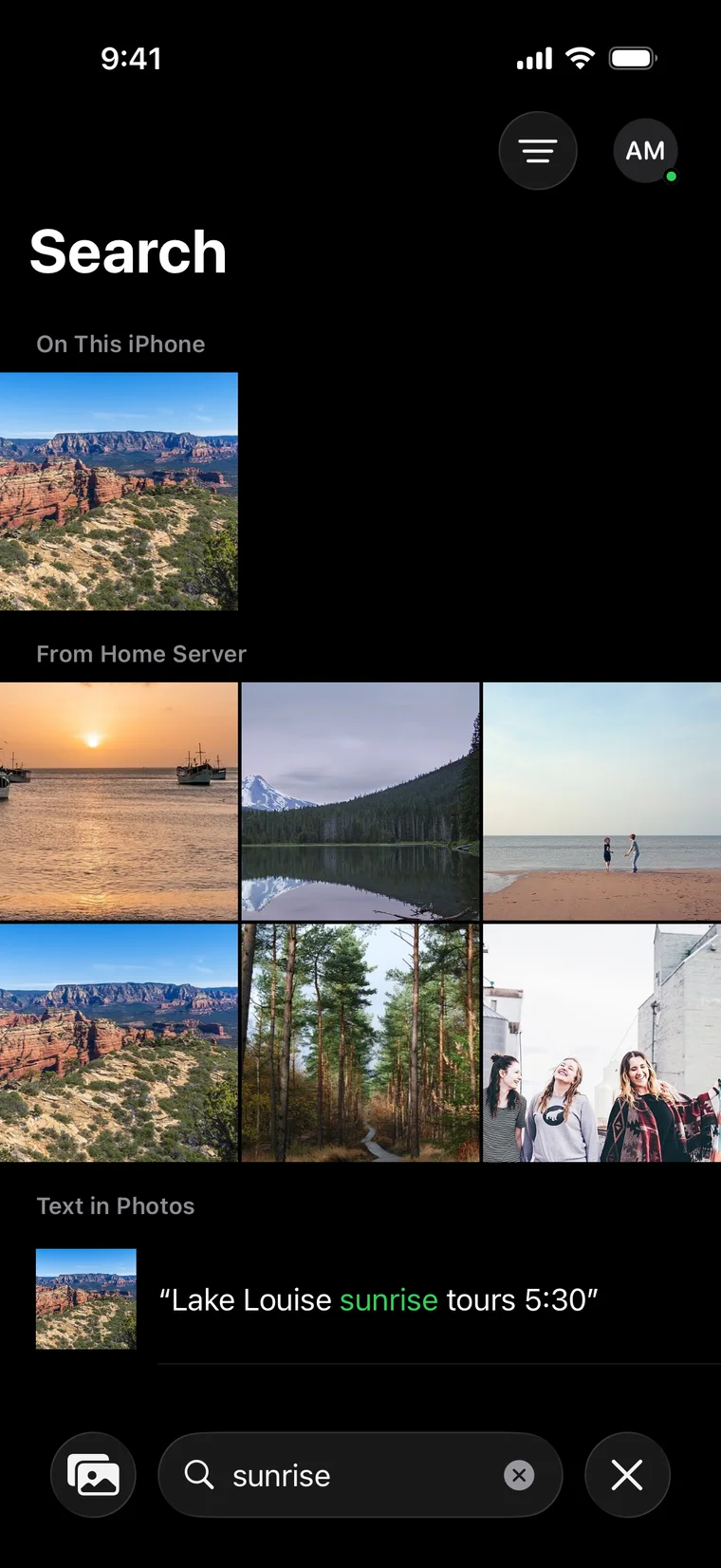
Search places, people and words
Instant results from the copy on your phone, then smart search from your server. Text in photos is highlighted.
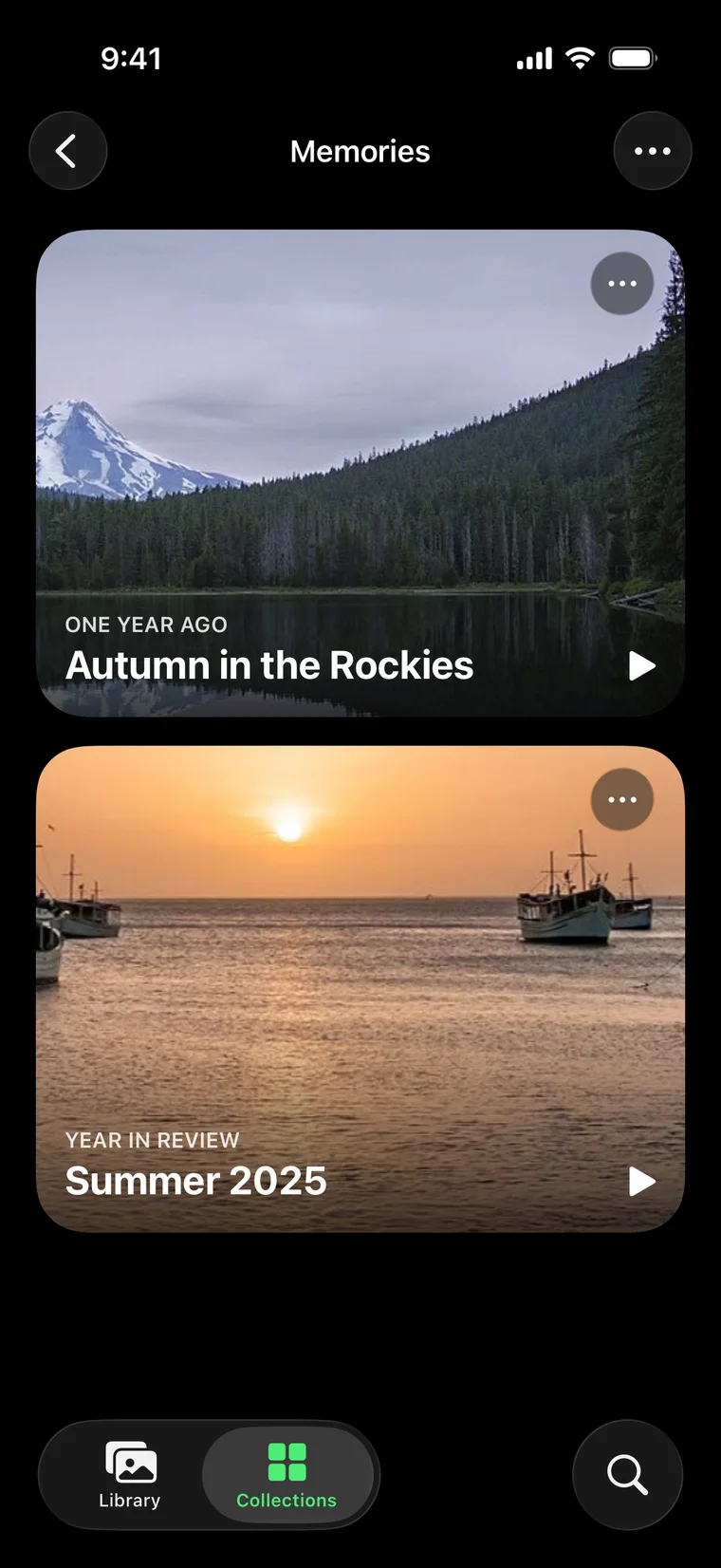
Memories, full screen
On this day, trips and years in review. Turn one into a highlight video that your server makes for you.
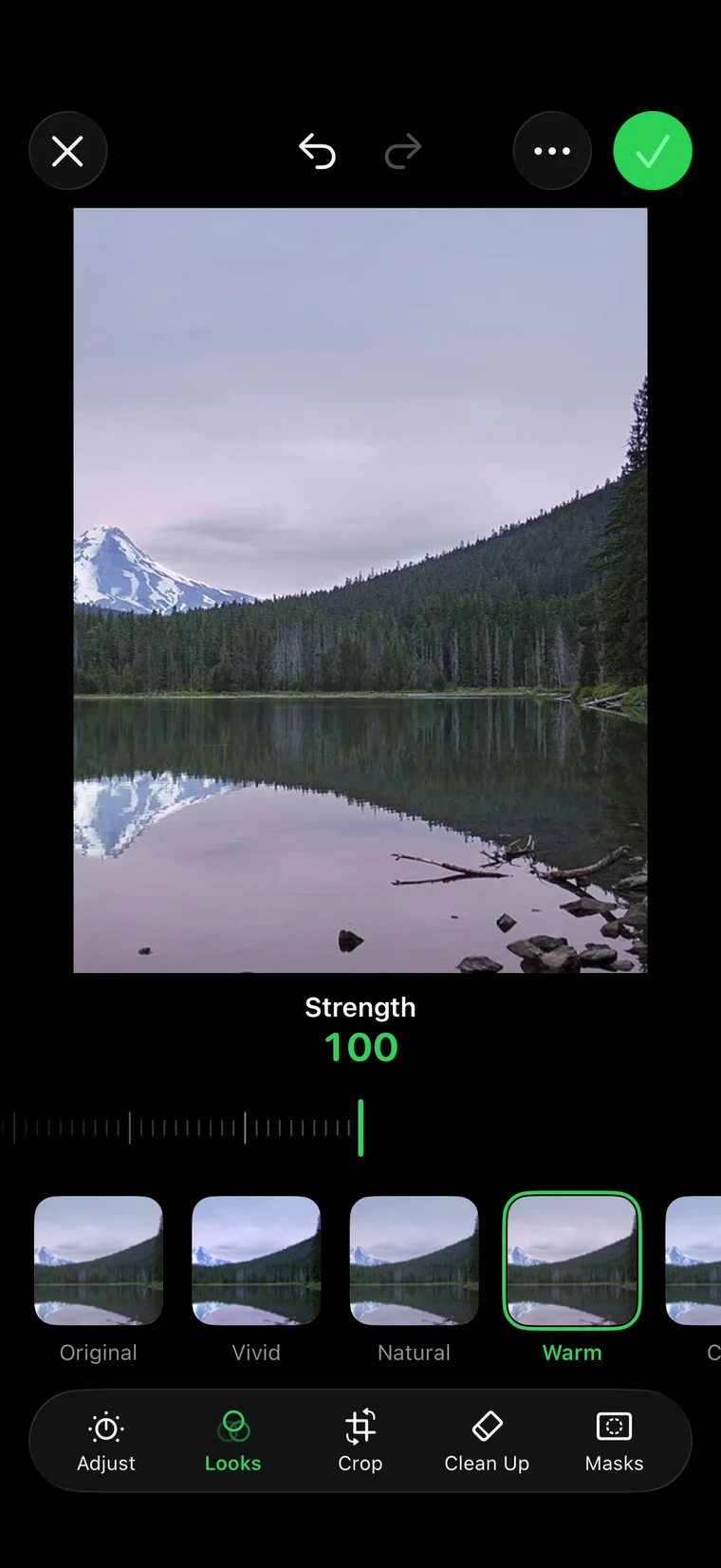
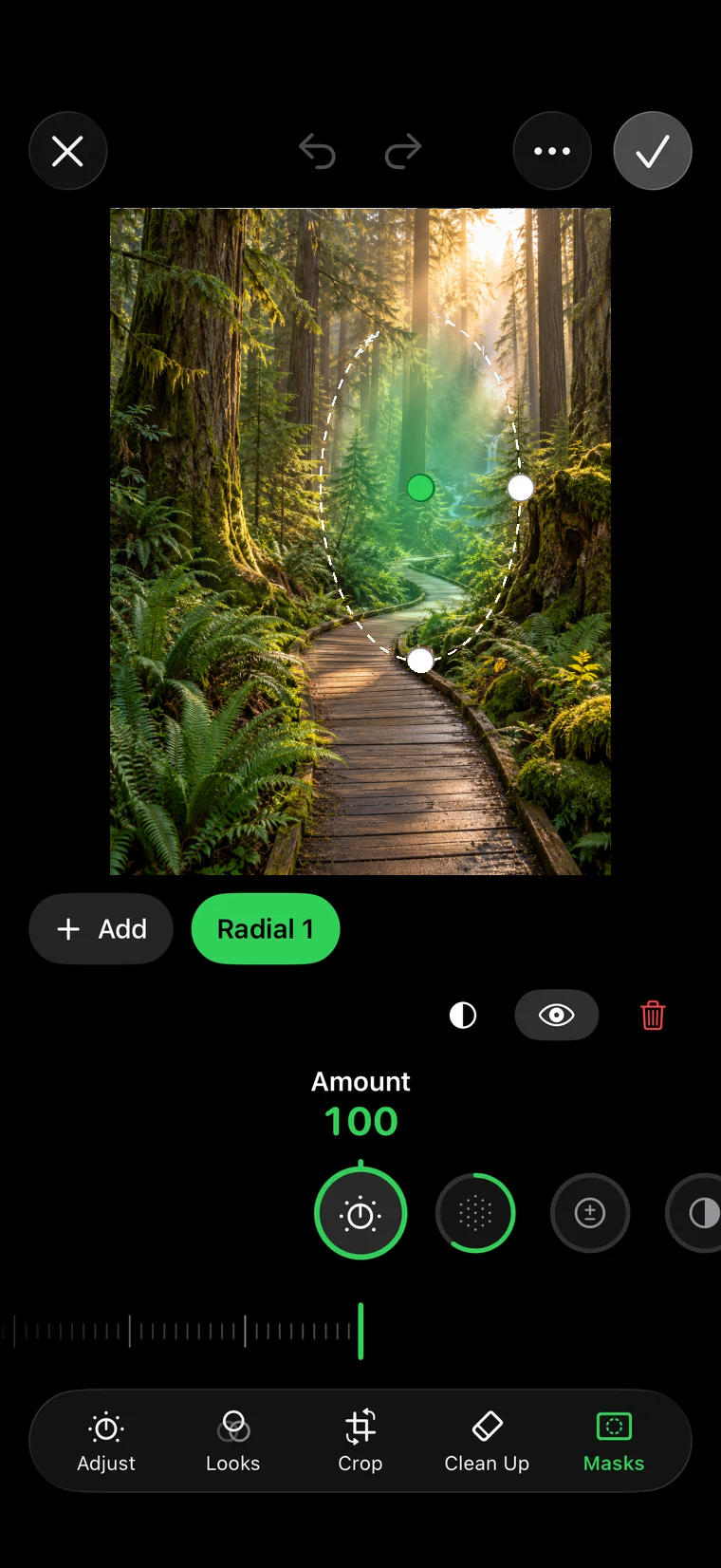
A real editor
Adjust, Looks, Crop, Clean Up and Masks, saved as a new version on your server. The original never changes.
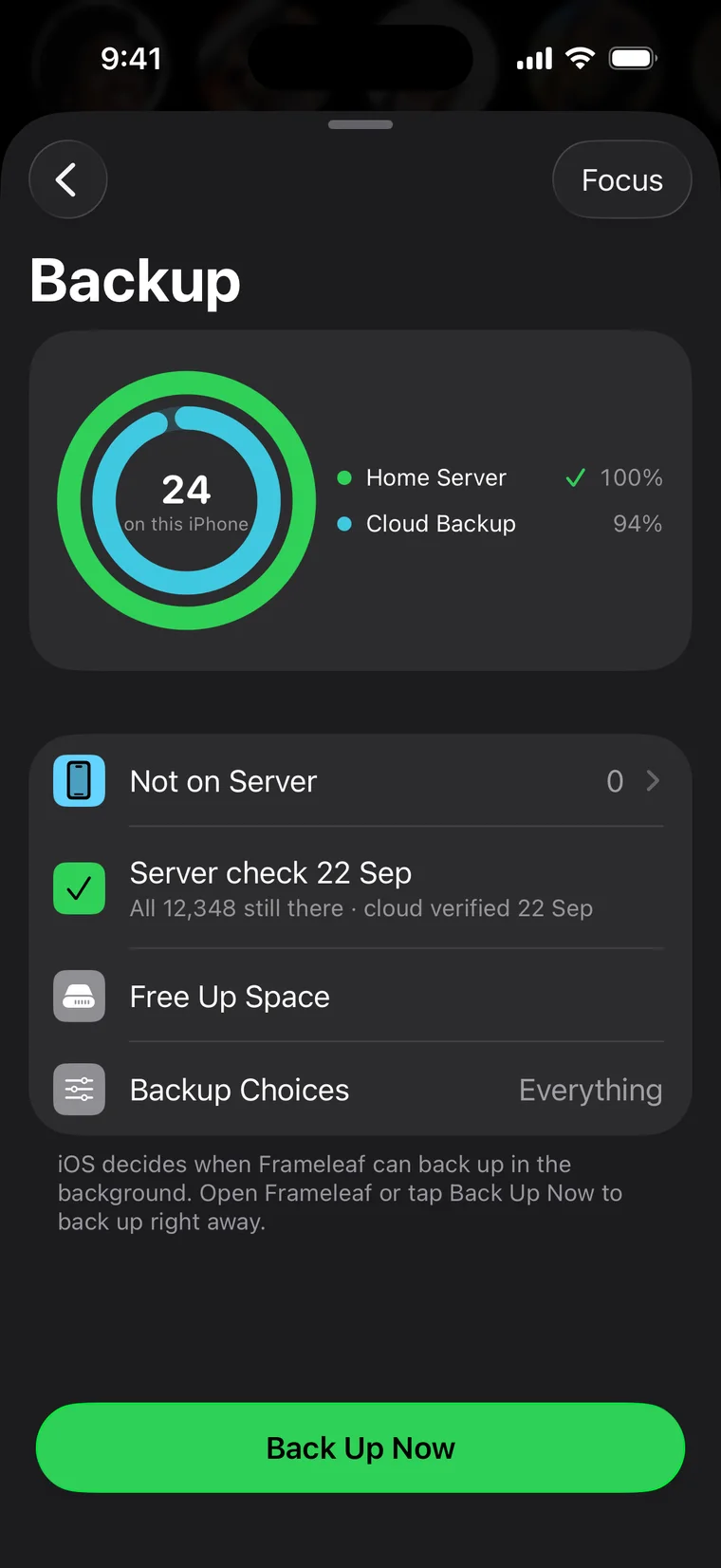
Backup you can see
Two rings show how much of your phone is on your server and in Cloud Backup. A photo counts only when the server proves its copy is identical.
Backup you can trust.
Edits you made in Apple Photos are stacked with their originals, and iCloud-optimised photos are downloaded on Wi-Fi first so the server gets the full-quality file.
- SHA-256 verified. Each original is hashed and checked against the server's copy before it counts as backed up.
- Resumable. Uploads pick up after a crash, reboot or network change without sending anything twice.
- Your rules. Everything, photos on Wi-Fi, or chosen albums; videos only while charging; pause in Low Power Mode.
- In the background. Back Up Now keeps going after you leave the app, and on iOS 26.1 the system Photos background upload takes over the rest.
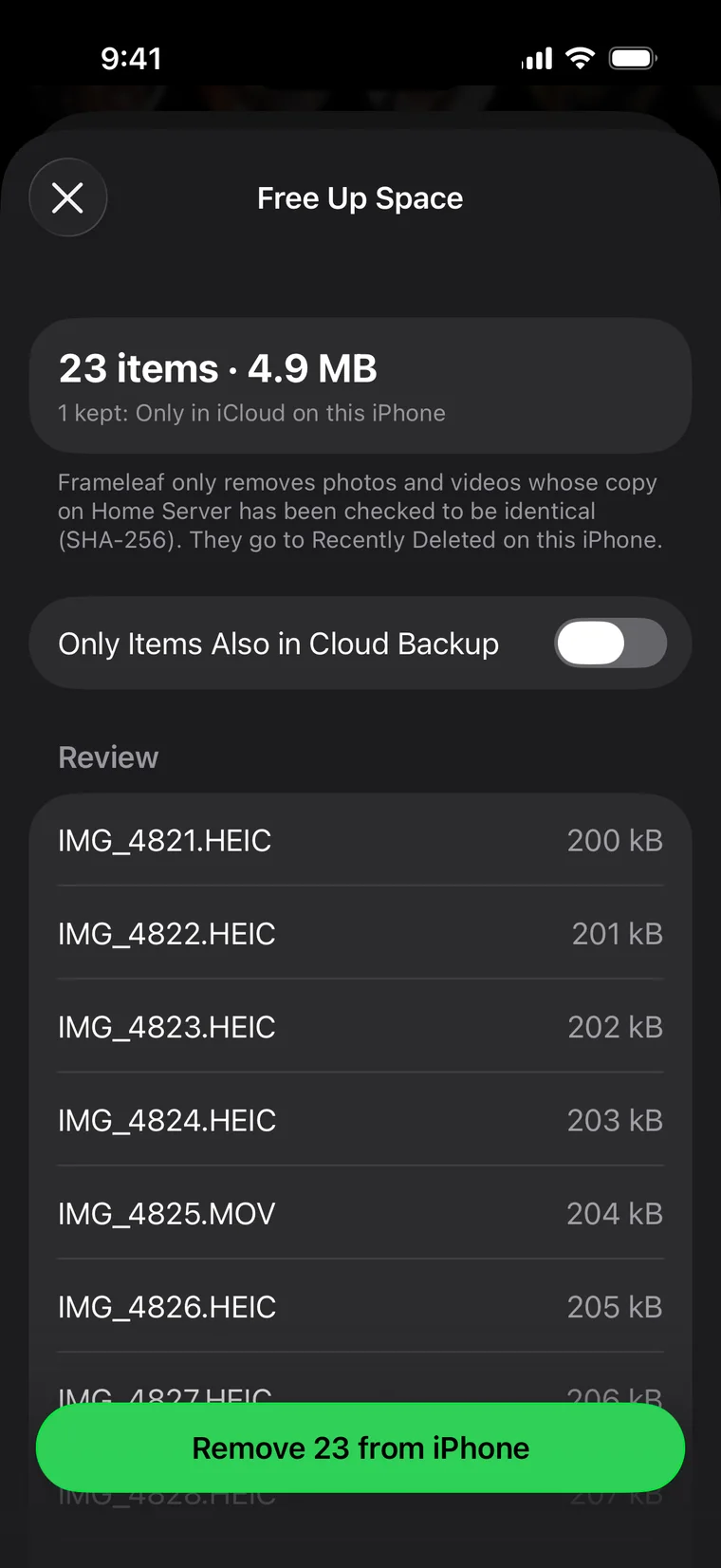
Free up space, safely.
Free Up Space removes only items your server holds an identical copy of, checked by SHA-256. You can limit it to items that are also in Cloud Backup. Removed items go to Recently Deleted in Photos for 30 days.
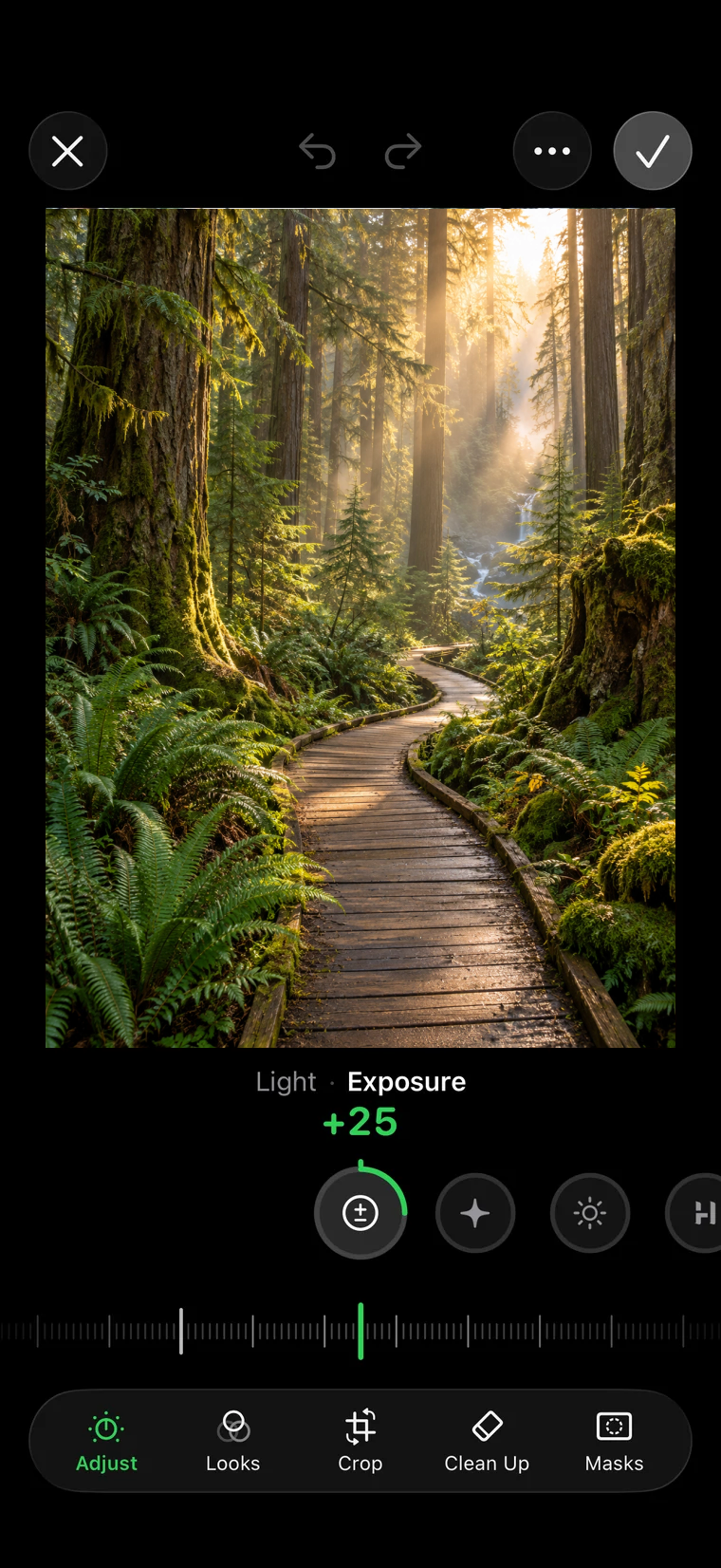
Edit with dials, not menus.
Press and hold to see the original. Every saved edit becomes a version on your server, so the same edit shows up on the web and your other devices.
- 17 adjustments across Light, Colour, Detail and Effects, with haptic detents.
- 9 looks previewed on your own photo, each with a strength slider.
- Crop with a straighten ruler, rotate, flip and common aspect ratios.
- Clean Up to heal, clone or pixelate a face or number plate.
- Masks brush, radial, linear and Subject masks found on the device.
Frameleaf outside the app.
The parts of iOS you already use, wired into your library.
Widgets
Backup rings on the Home and Lock Screen, Memories, an album or person, and server status for admins.
Live Activities
Backup progress in the Dynamic Island, plus Cloud setup and finished server jobs.
Controls
Back Up Now and Pause Backup in Control Center and on the Lock Screen.
Siri and Spotlight
"Back up with Frameleaf", search from Siri, and albums, people and memories in Spotlight.
Share extension
Send up to 50 photos and 20 videos from any app into Frameleaf, straight into an album.
Live Text
Select text in photos and look up what's in them in the viewer.
Private by default.
Face ID lock
Require Face ID when the app opens. The app switcher shows no photos while it's locked, and backup keeps running.
Encrypted notifications
Notifications are encrypted so only your phone can read them.
No third-party analytics
Crash reports are off unless you opt in, and never include photos, names, file names or searches.
Works offline
Each server's library is mirrored on the phone, so dates, places and search work without a connection.
Built for everyone.
Dynamic Type up to the largest accessibility sizes, VoiceOver throughout (the backup rings read as one sentence), Increase Contrast, Reduce Transparency and Reduce Motion, with 44-point touch targets.
Requirements
iPhone or iPad with iOS or iPadOS 26. Background upload through Photos needs 26.1.
Your server
A Frameleaf server on your network, or reached through Frameleaf Cloud remote access.