
A library that stays healthy.
Big libraries collect duplicates, broken files and loose ends. Library Care finds them and helps you fix them, with undo everywhere and without ever risking an original.
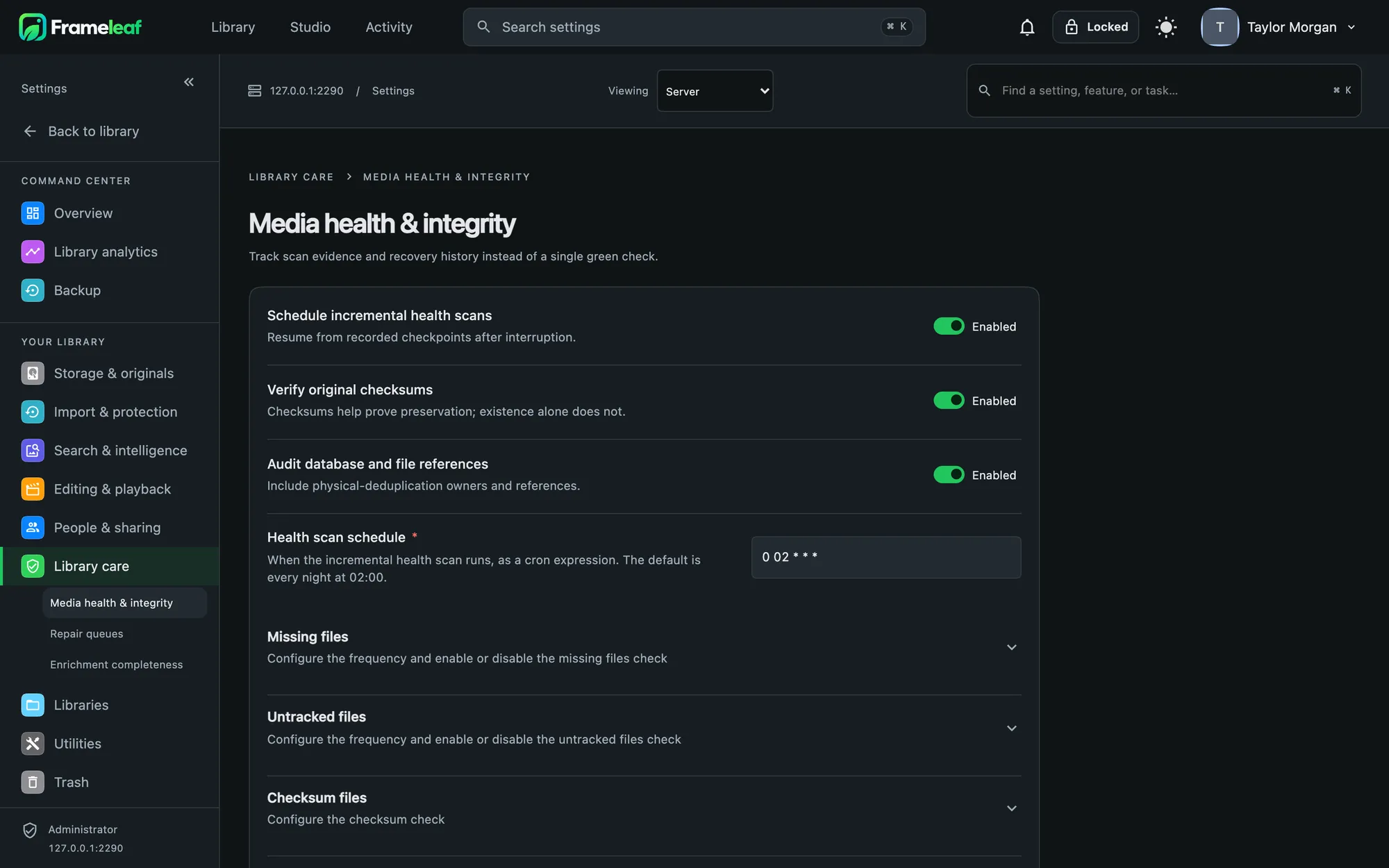
Keep the best copy.
Bursts show up as a contact sheet where you can keep several frames or stack them without deleting anything. Mixed-owner groups are left alone.
- Visual matching finds look-alikes even when the files differ, with a sensitivity you can tune.
- A suggested keeper picks the largest file with the most details. Keep it, or choose another.
- Nothing lost albums, favourites, the highest rating, descriptions, tags and location merge into the copy you keep.
- Built for thousands decisions are instant, undoable and auto-advance, with keyboard shortcuts.
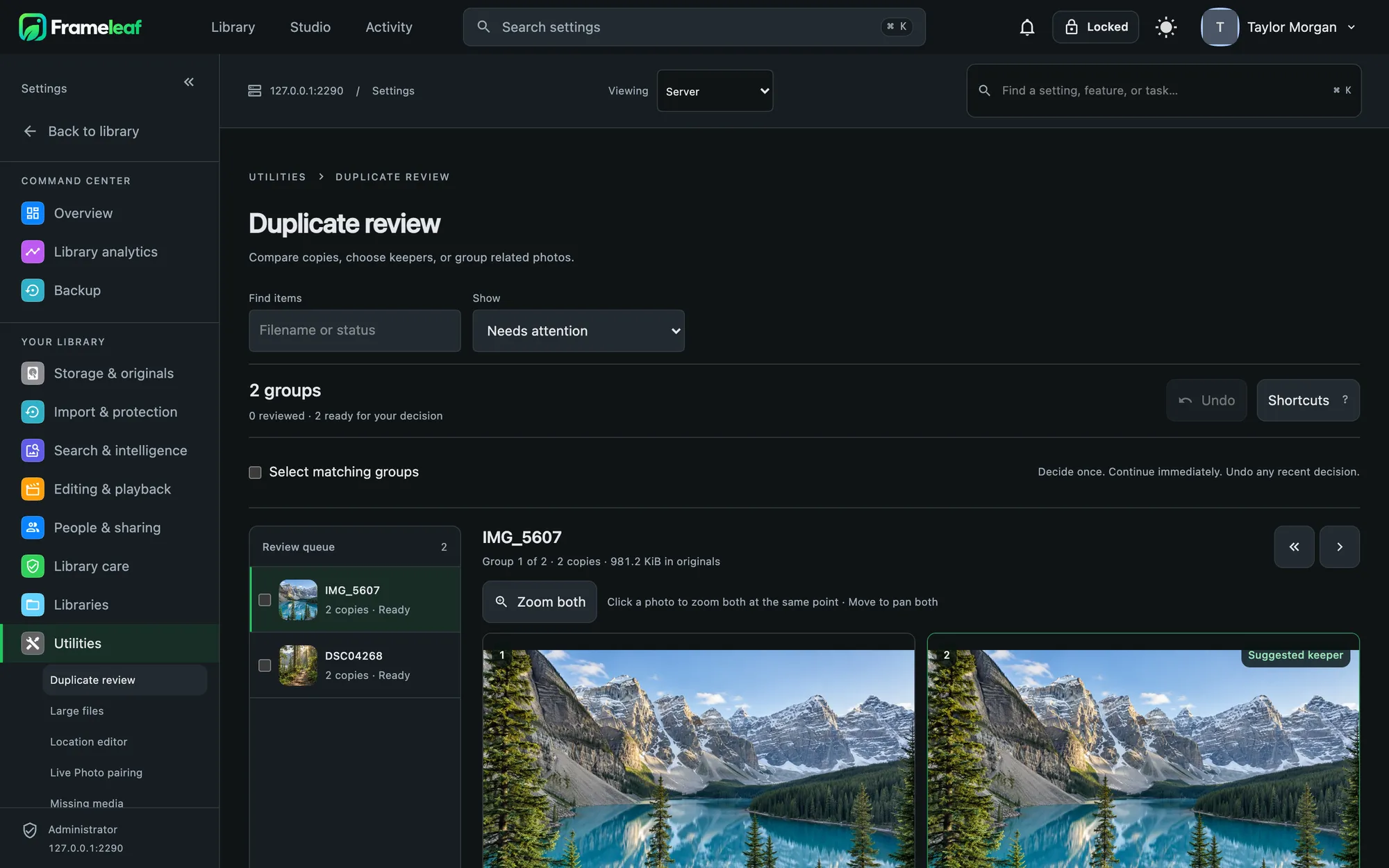
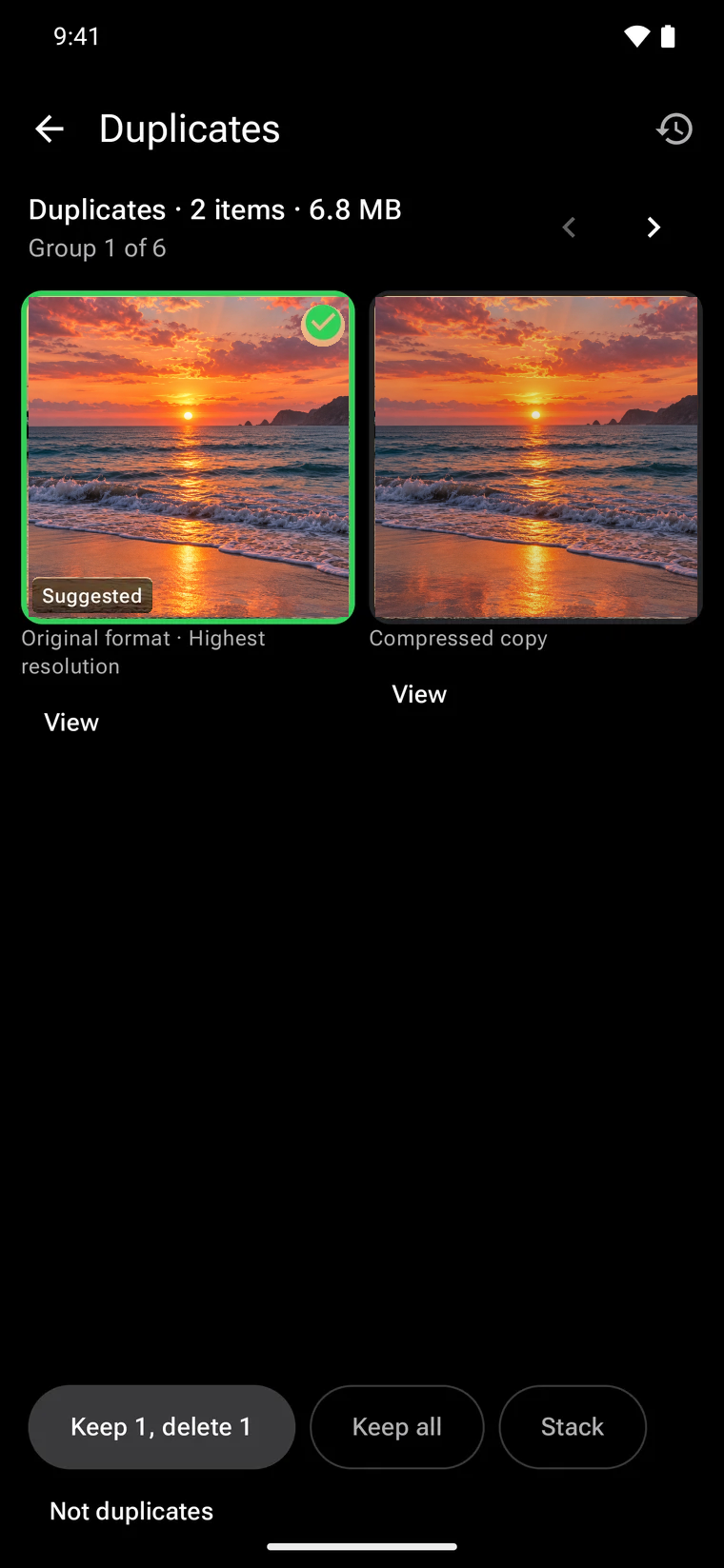
On your phone too.
Review one group at a time with the keeper already ticked. Favourites, albums, ratings, descriptions and people carry over to what you keep, and recent decisions can be undone.
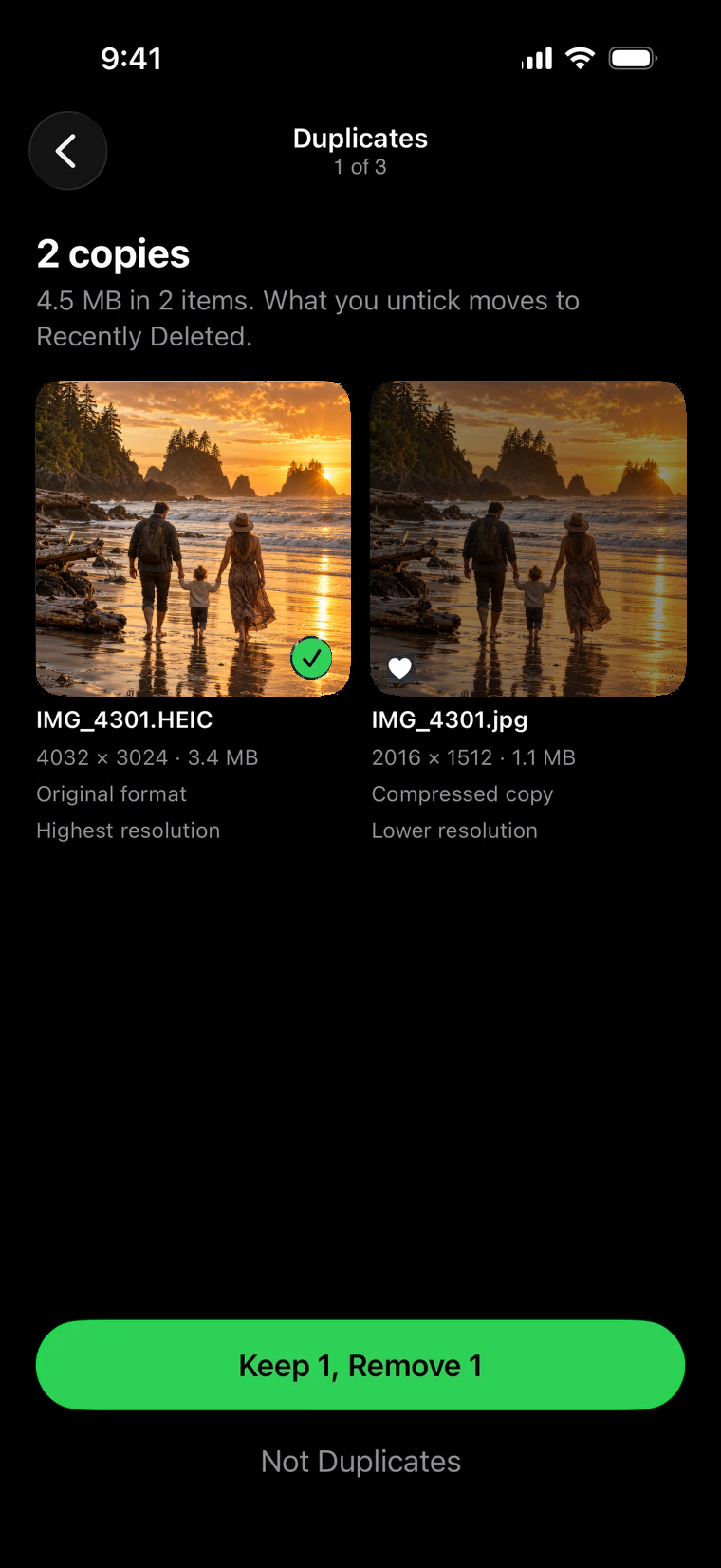
Repair, don't replace.
Scan again checks every original is present and readable, as a background job that resumes if interrupted. Trashing confirmed damage asks you to type it out first.
- Missing originals are found by checksum, never by file name, in your storage, external libraries and recovery folders.
- Damaged files are replaced only from a verified identical copy, and the damaged one is kept aside.
- Live Photos that came apart are paired again in batches.
- RAW support lists files the server can't read yet, kept separate from real damage.
Built for the long run.
Nightly integrity checks
Every night your server looks for untracked files, missing files and checksum mismatches, and reports them in Maintenance.
Preservation packages
Export originals with checksums and every detail: albums, people, tags and edits. Verify them later or restore from them.
Storage savings
When several people upload the same file, store it once while everyone keeps their own copy, albums, favourites and privacy. Preview the plan before anything changes.
Trash with a safety net
Deleted items wait 30 days. Permanent deletion asks you to type DELETE and the count, and refuses if anything changed since you looked.
Large files
See your biggest originals in one list, with an undoable move to trash.
Proven backups
The Command Center tracks when backups last ran and when a restore was last proven, and reminds you after 90 days.