
Everyone you love, found.
Frameleaf finds faces in your photos and videos and groups them by person, on your own server. Name someone once and every photo of them is a click away.
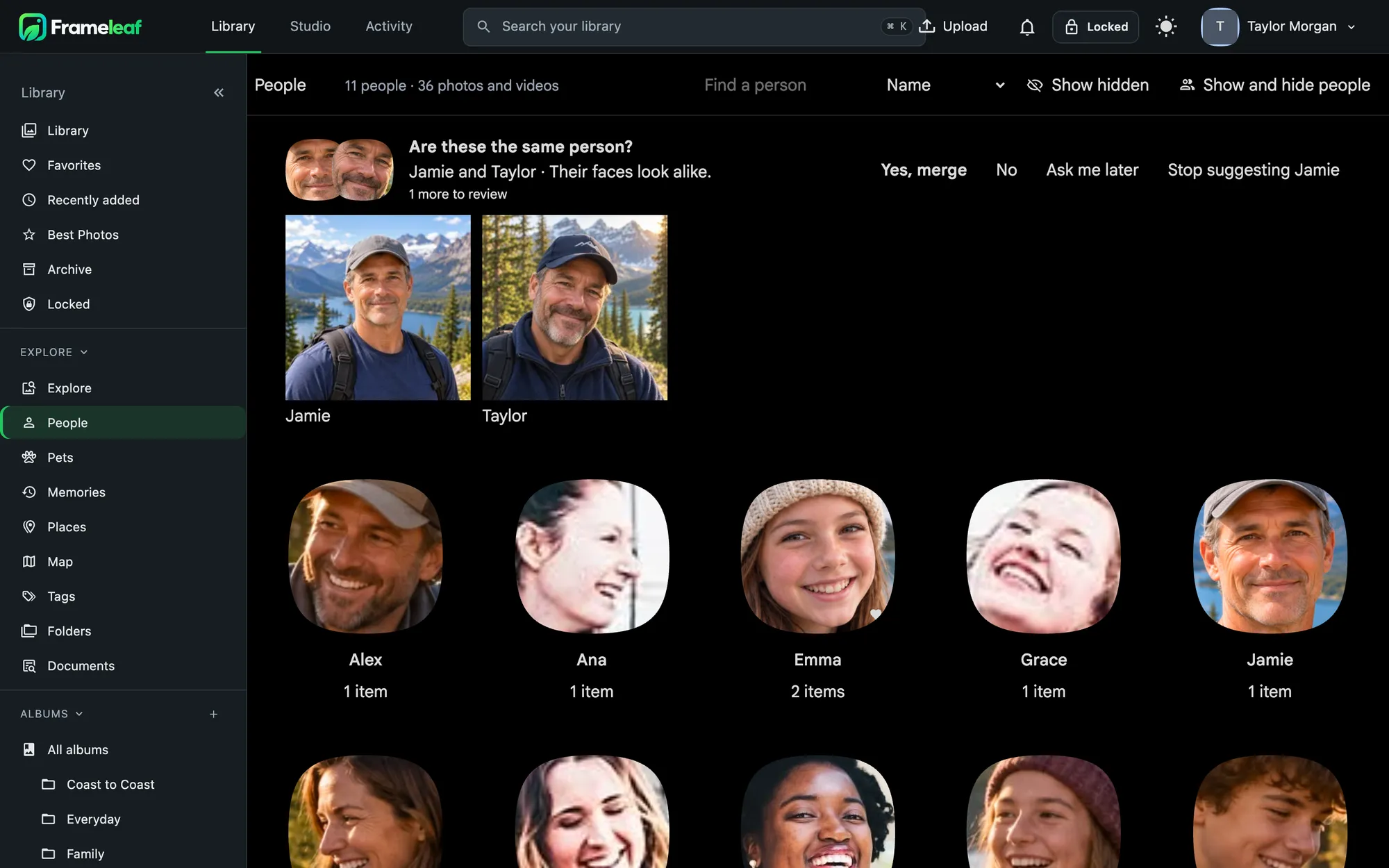
Name once, find forever.
- Search by person and combine them with places, dates and anything else.
- A page for each person with a featured photo, a date of birth that shows their age in every photo, and a favourite pin.
- Hide someone from Explore and the viewer without deleting anything.
- Names in descriptions AI descriptions use the names you give, and renaming someone refreshes them.
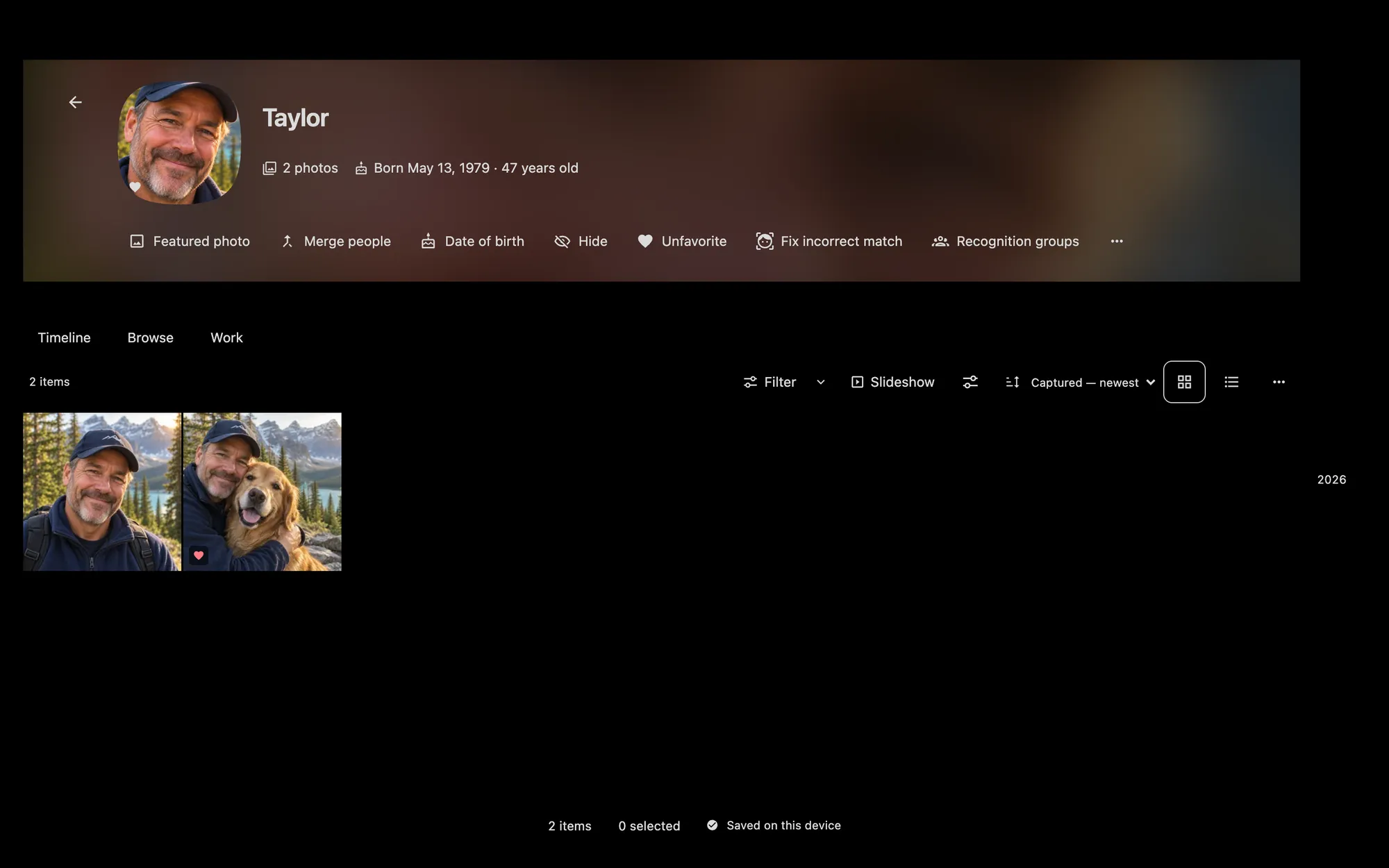
Mistakes are easy to fix.
Every correction is kept in a history you can undo, and your corrections survive when recognition runs again.
- Merge suggestions ask "Are these the same person?" with Yes, No, Ask me later and Stop suggesting.
- Fix a match by moving a face to another person, someone new, or "not a face".
- Review faces shows near misses and lets you clean up one person at a time.
- Draw a box around a face the model missed and say who it is.
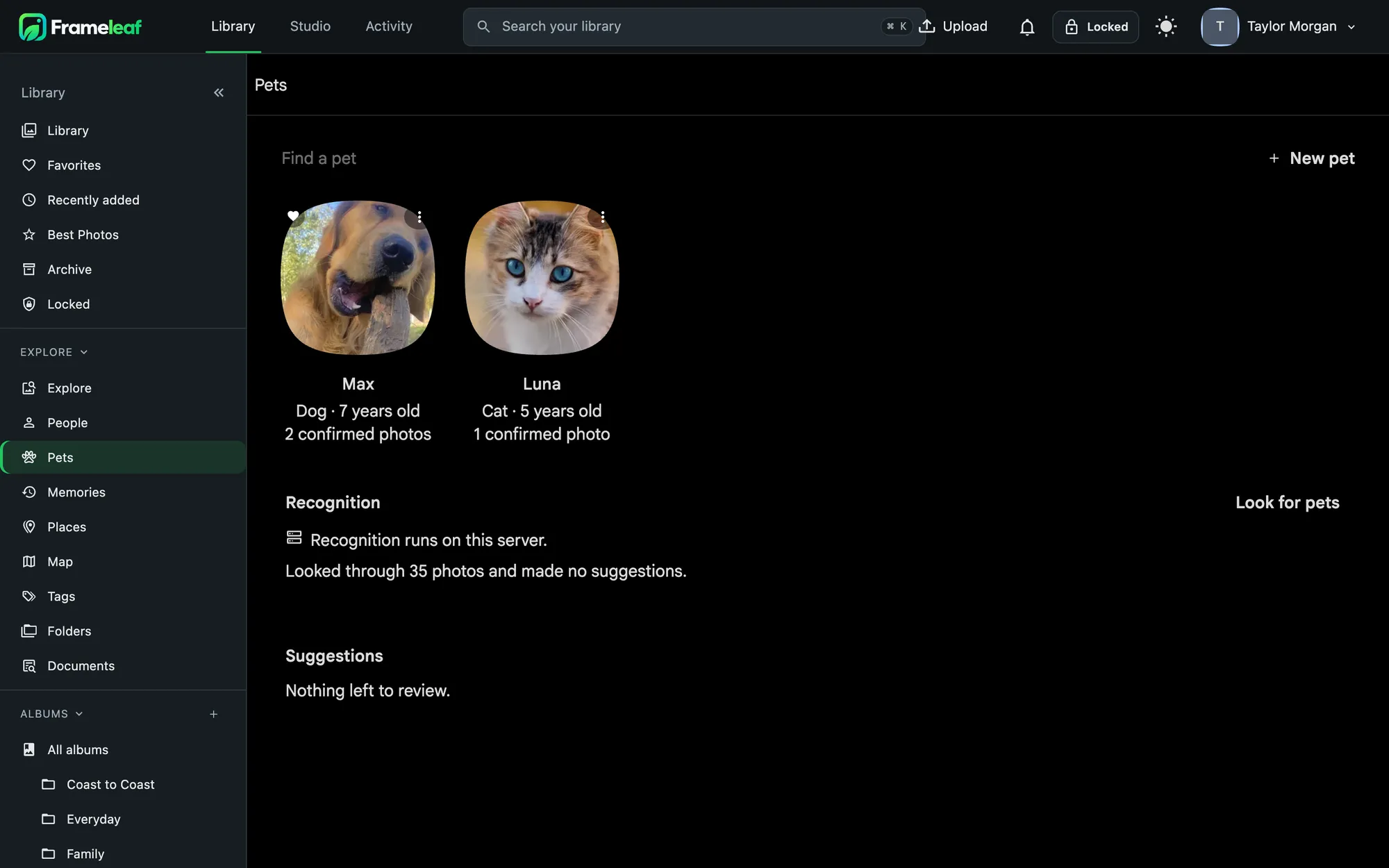
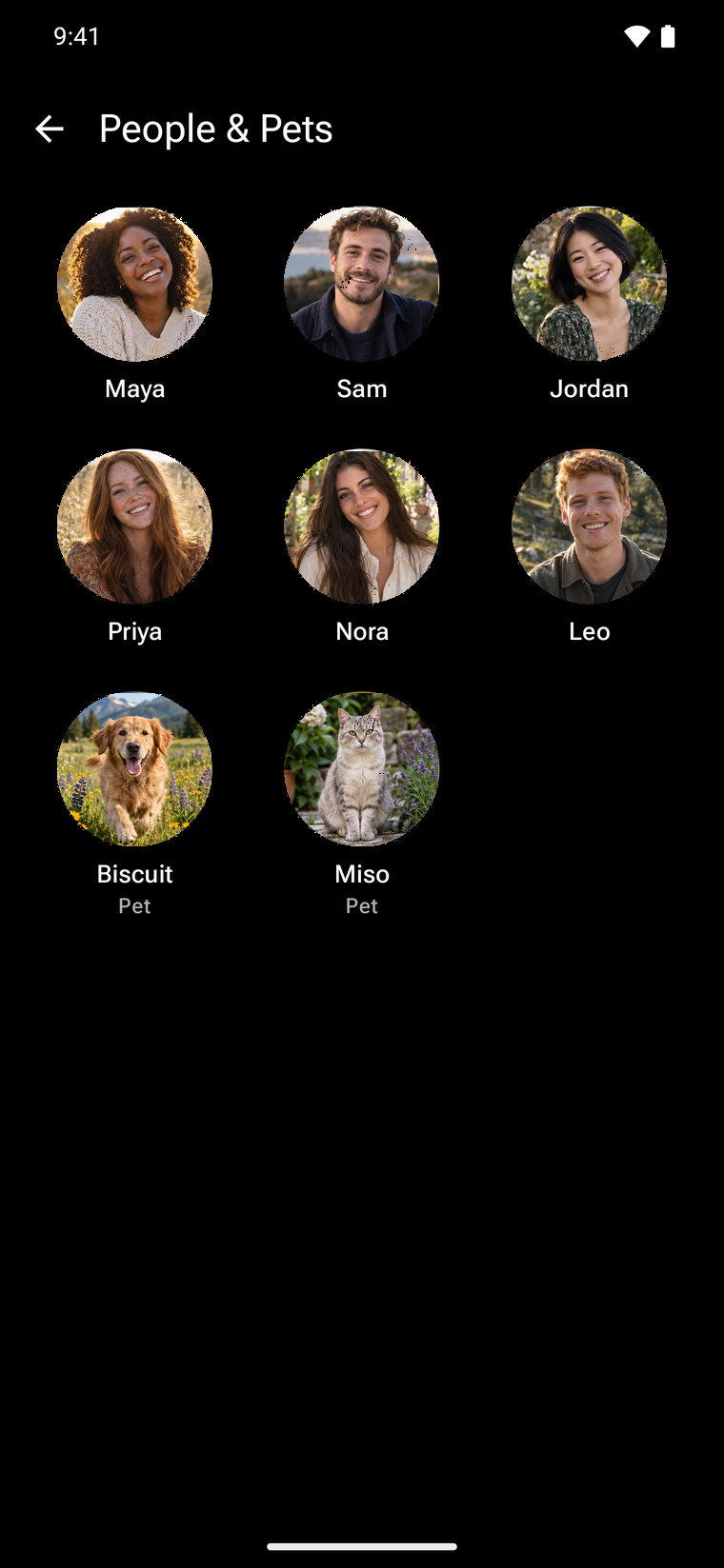
Pets get their own page.
Cats and dogs are their own kind, separate from people. Mark a pet once by drawing a box, and recognition can propose more photos for you to confirm. Pet stories show up in Memories, and each pet has a page of their own.
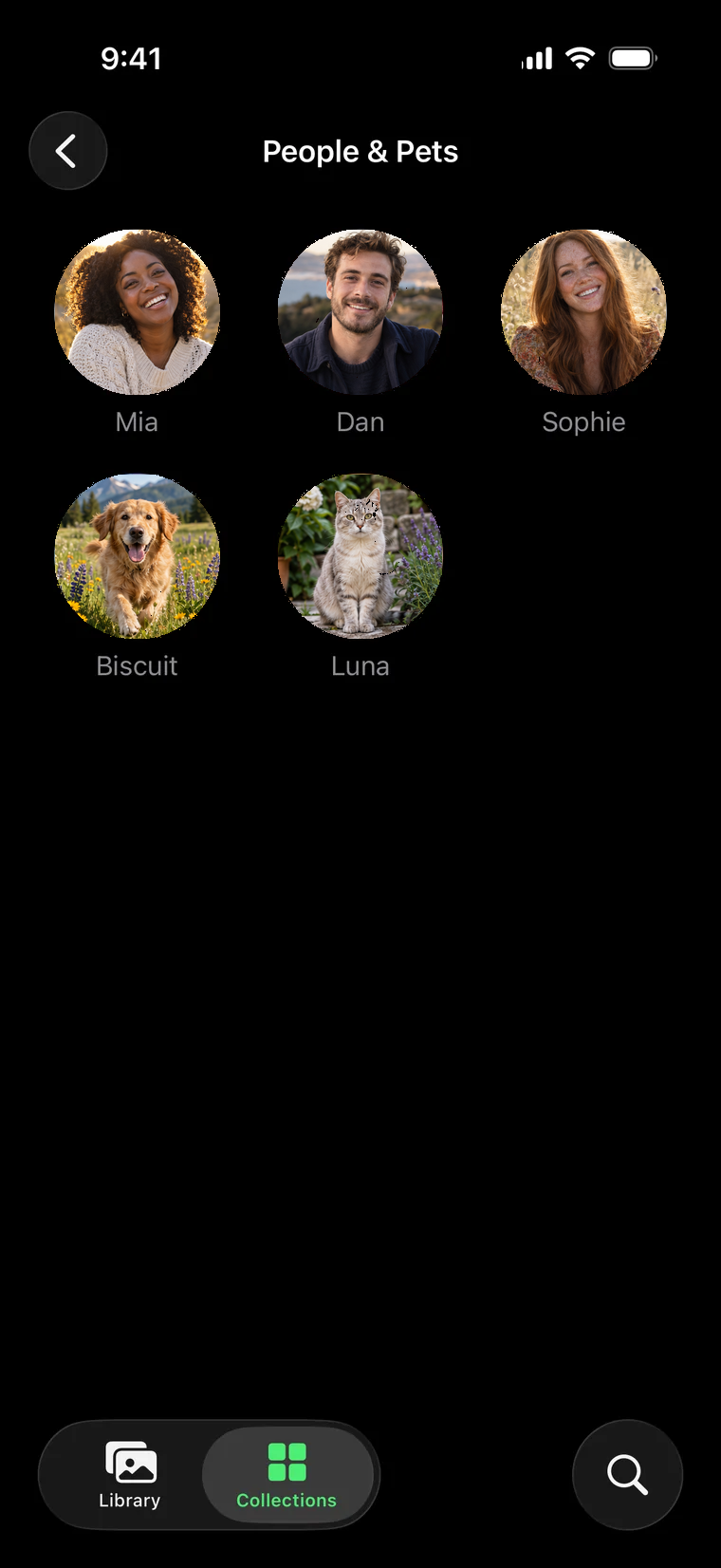
Faces on your phone too.
People and pets appear as a row of faces in Collections. Tap one for their photos, pin the ones you open most, and search by person from the search field.
Recognition that never leaves home.
Face detection and recognition always run on your server. They are never offered as a cloud service.
Careful grouping
A new person appears only after Frameleaf finds a few similar faces, so strangers in the background don't clutter your list.
Respects Locked
People who appear only in Locked photos stay hidden until you unlock, and a locked photo is never a face thumbnail or cover.
Private to each viewer
In a shared space, the names you give people are yours alone.
Tunable
Administrators can adjust detection and grouping for twins and lookalikes, and run recognition again for missing photos.