
Get Frameleaf.
Three steps: install the server on a machine at home, claim it in a few minutes of setup, then sign in from the app on your phone.
1. Install the server.
Frameleaf is a set of containers. If your machine runs Docker, it runs Frameleaf. You need 6 GB of memory and two cores, on amd64 or arm64.
Docker Compose
Any 64-bit Linux machine. Three commands from an empty folder to a running library.
2. Claim it with a code.
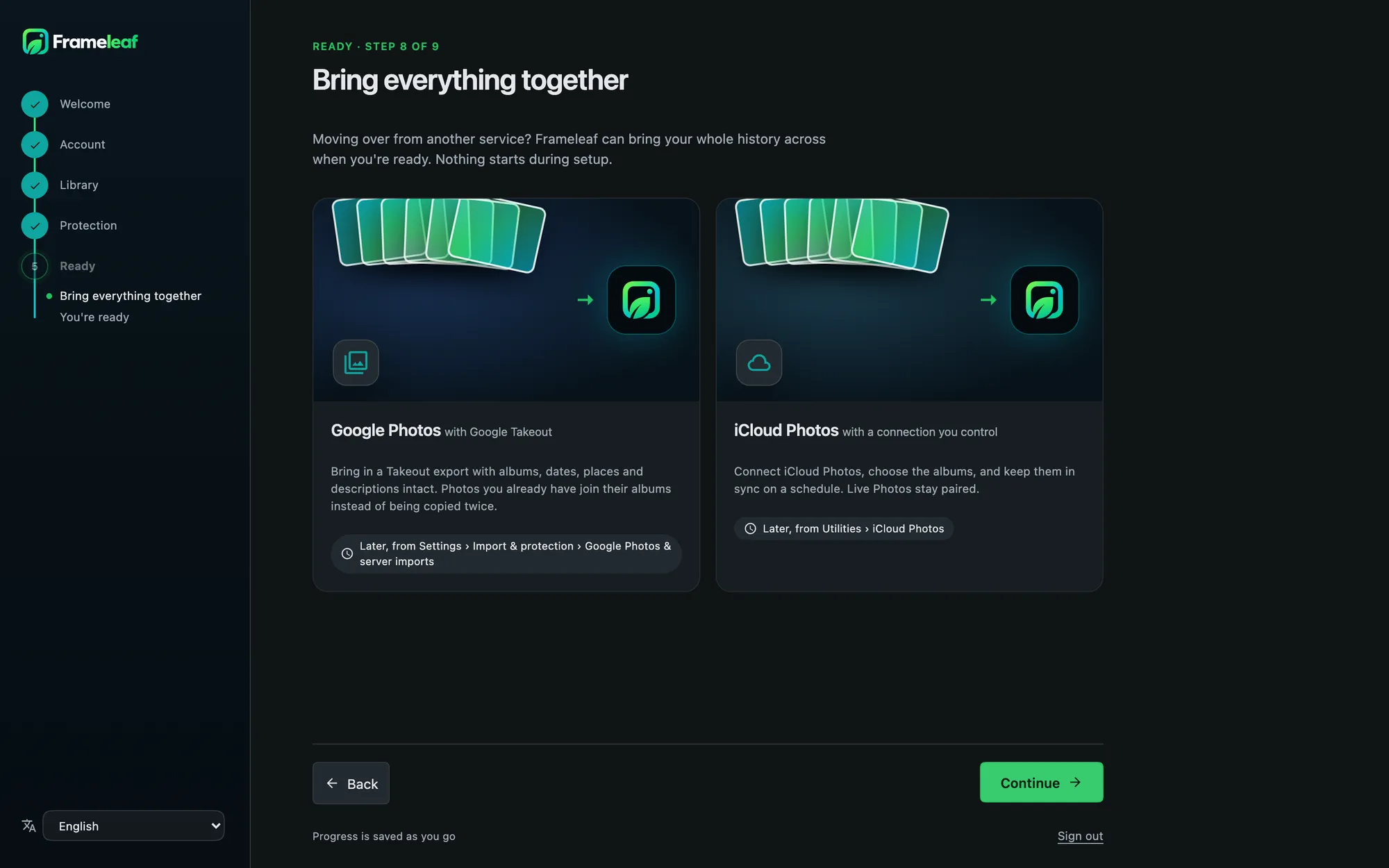
Until an administrator exists, your server prints an 8-character setup code on its console. Enter it on the web page, or scan its QR code with the Frameleaf app, and walk through setup: your account, where the library lives, what runs on your hardware, how it's protected, and what to bring in first.
- Home network only. The code works only from your own network, and a new one is issued after five wrong tries.
- Local by default. Choose a local account and local processing, with no Frameleaf Cloud link unless you want one.
- Bring everything. Point it at folders you already have, or start a Google Photos or iCloud import right away.
3. Get the app.
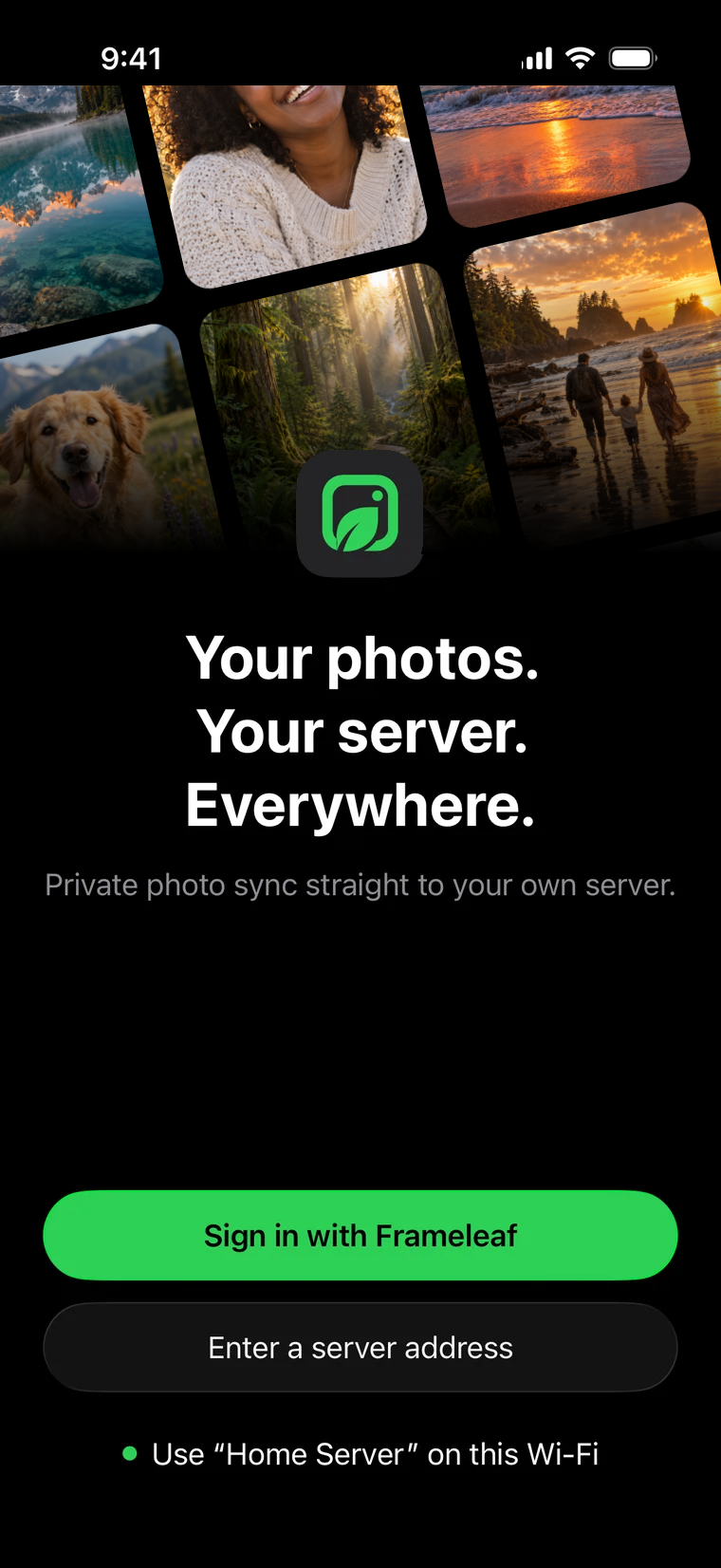
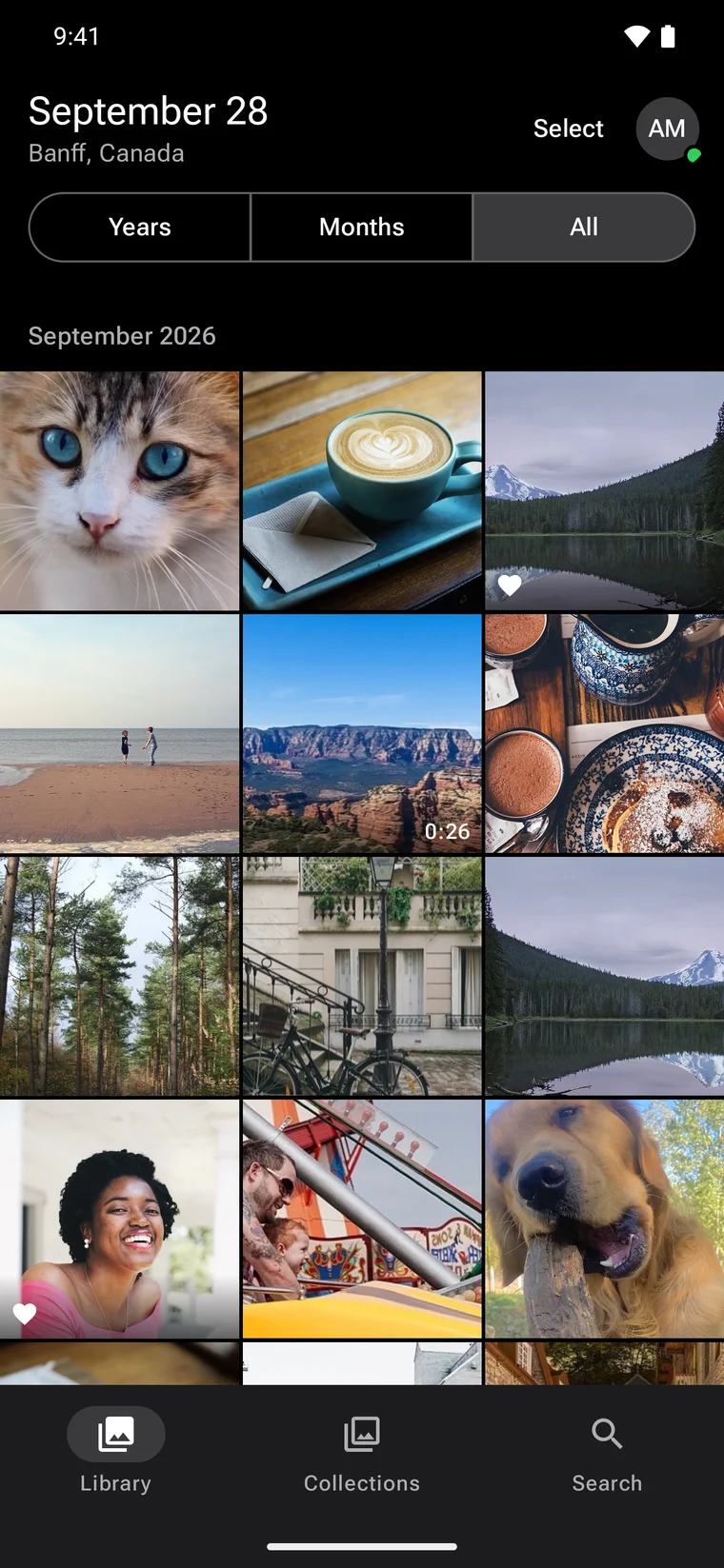
Native apps for iPhone and Android. At home the app finds your server on Wi-Fi and offers it in a card; away from home, sign in with your Frameleaf account or enter your server's address. Then turn on backup and let it carry your camera roll home.


Coming soon to the App Store and Google Play.
Want remote access and backup?
Frameleaf Cloud adds them for $9.99 a month, and your server keeps working without it.