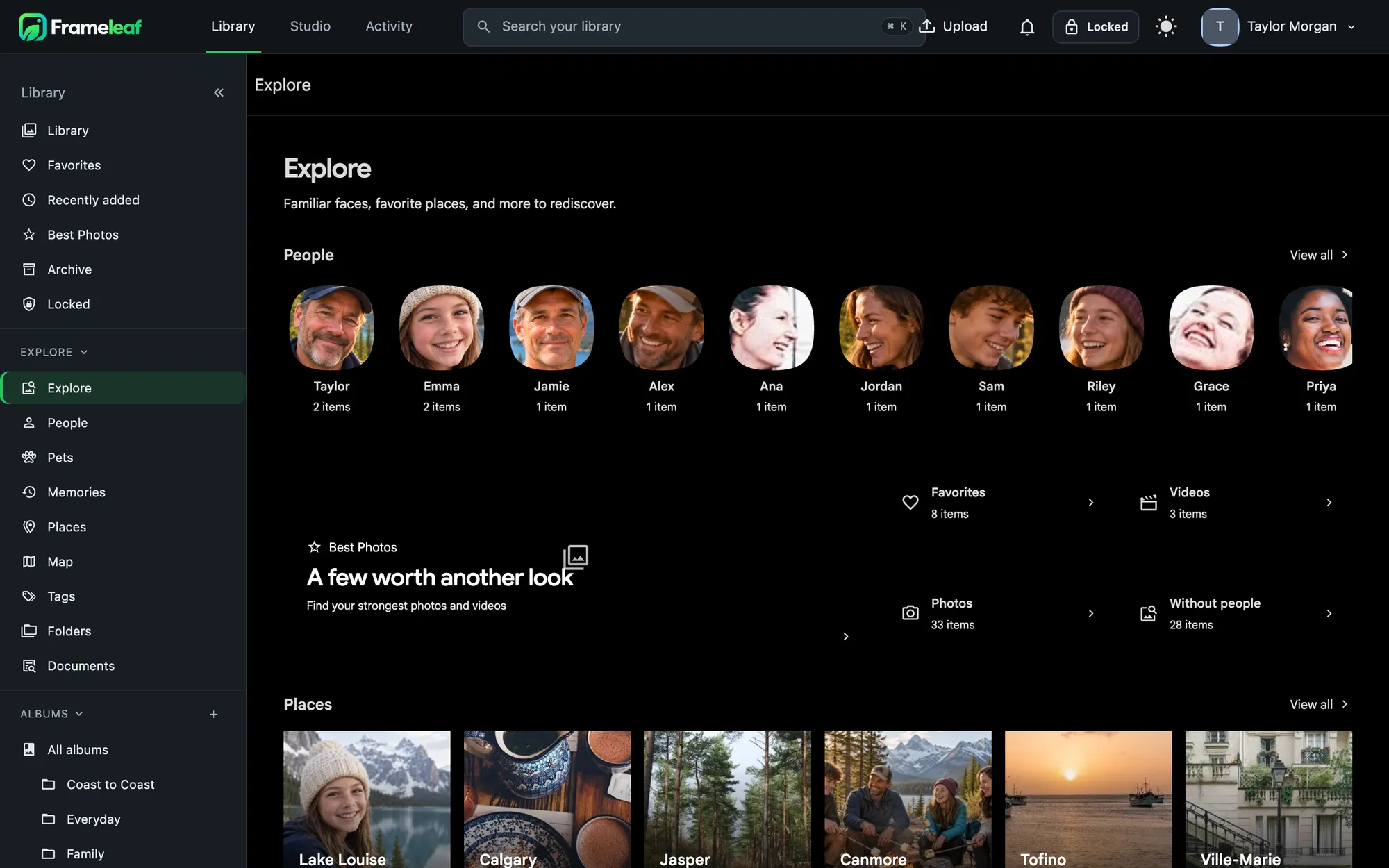
Find anything by describing it.
Type what you remember. Frameleaf understands what's in your photos and videos, the words inside them and who's in them, without you tagging a thing. All of it runs on your server.
Ask in plain words.
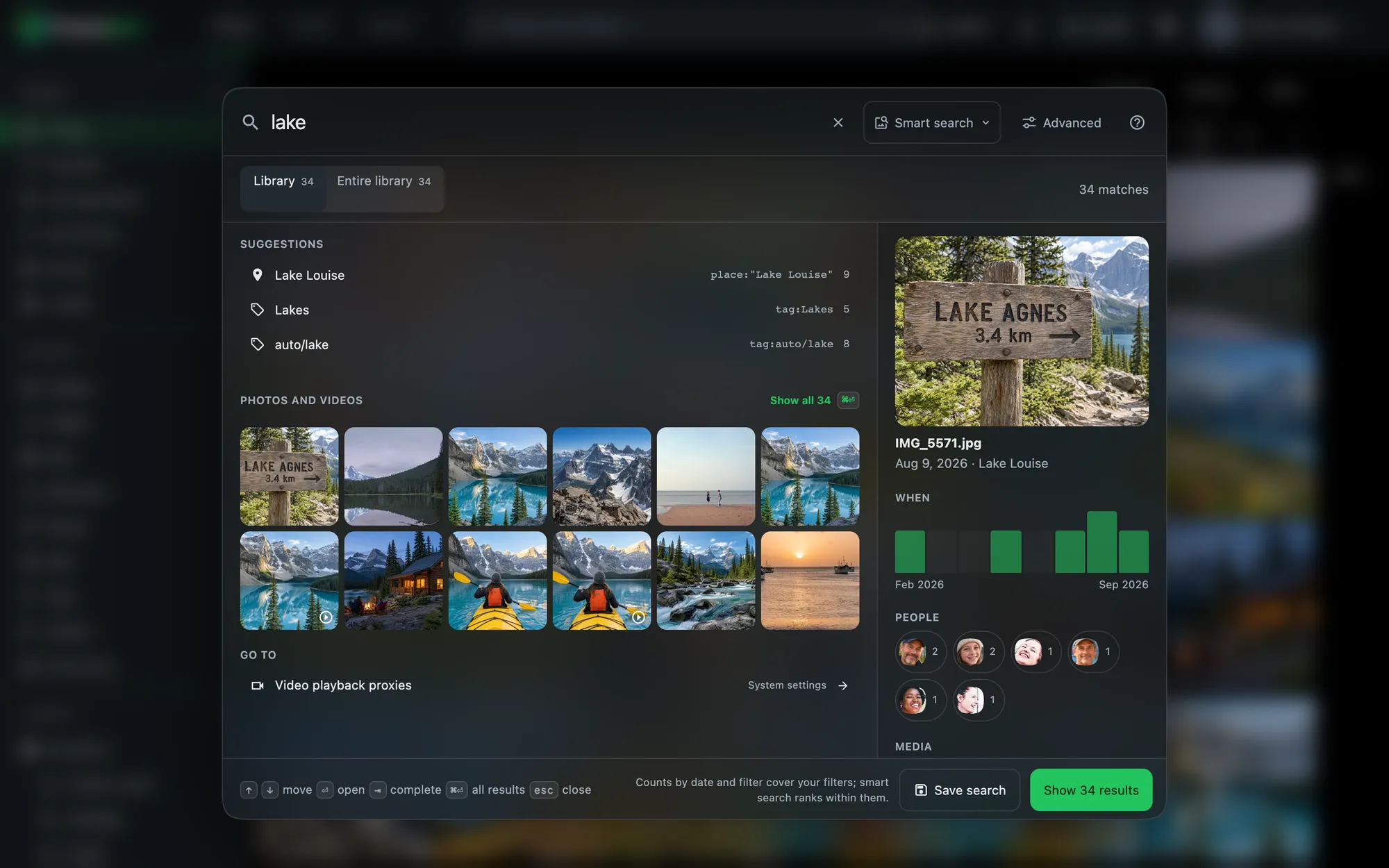
Ask Search turns everyday phrases into filters: "photos of Alice in Banff last summer", "receipts from 2024", "screenshots from last month", "favorite videos since 2020". It understands dates, months, relative ranges, places, favourites, media type and the people you've named, and shows you exactly what it searched for.
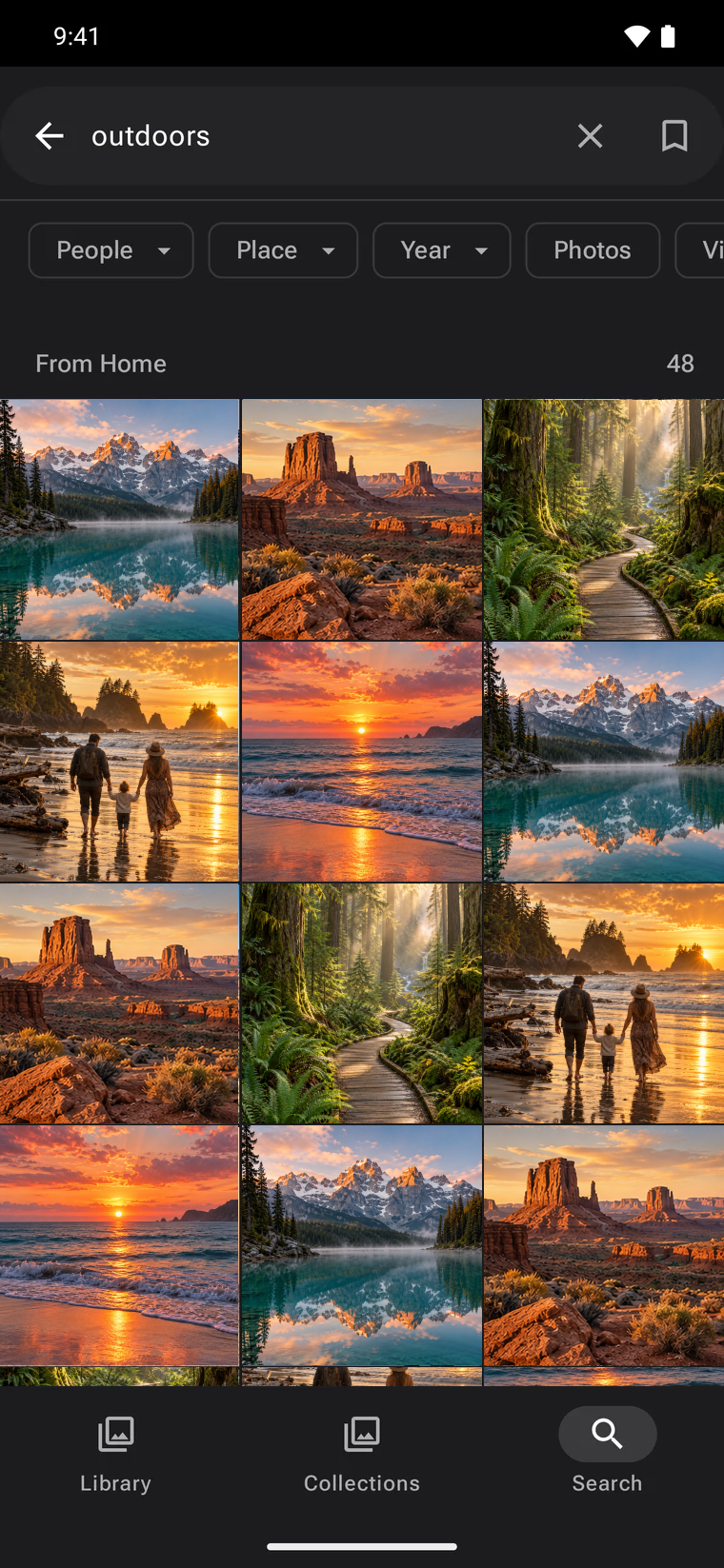
Press ⌘K or / from anywhere. Results and a preview appear while you type, with a histogram of when, counts for every filter, and your recent and saved searches.
Narrow it down.
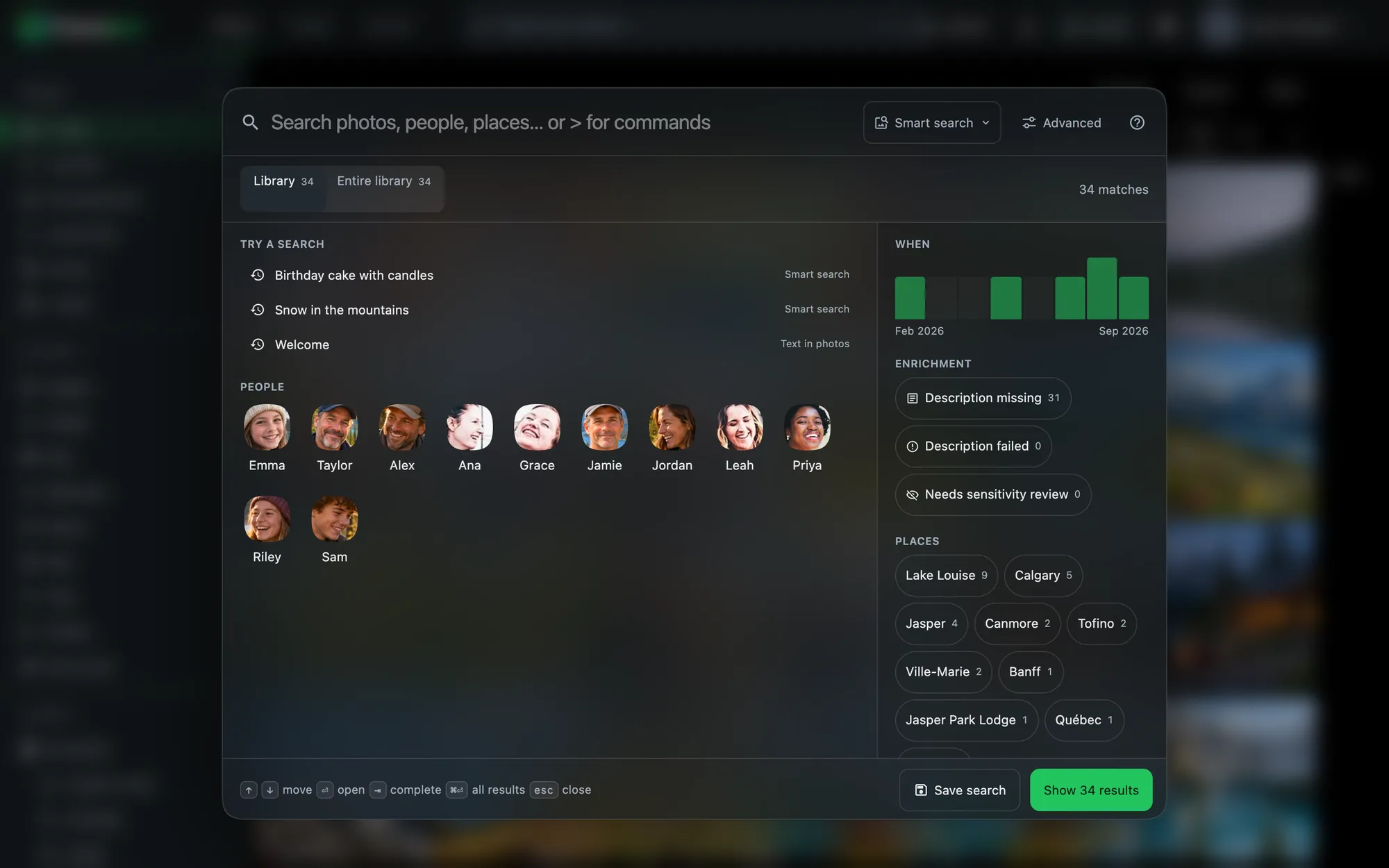
Save a search three ways: as a smart album that keeps filling as new photos match, an album snapshot of exactly what matched today, or a saved search in the sidebar.
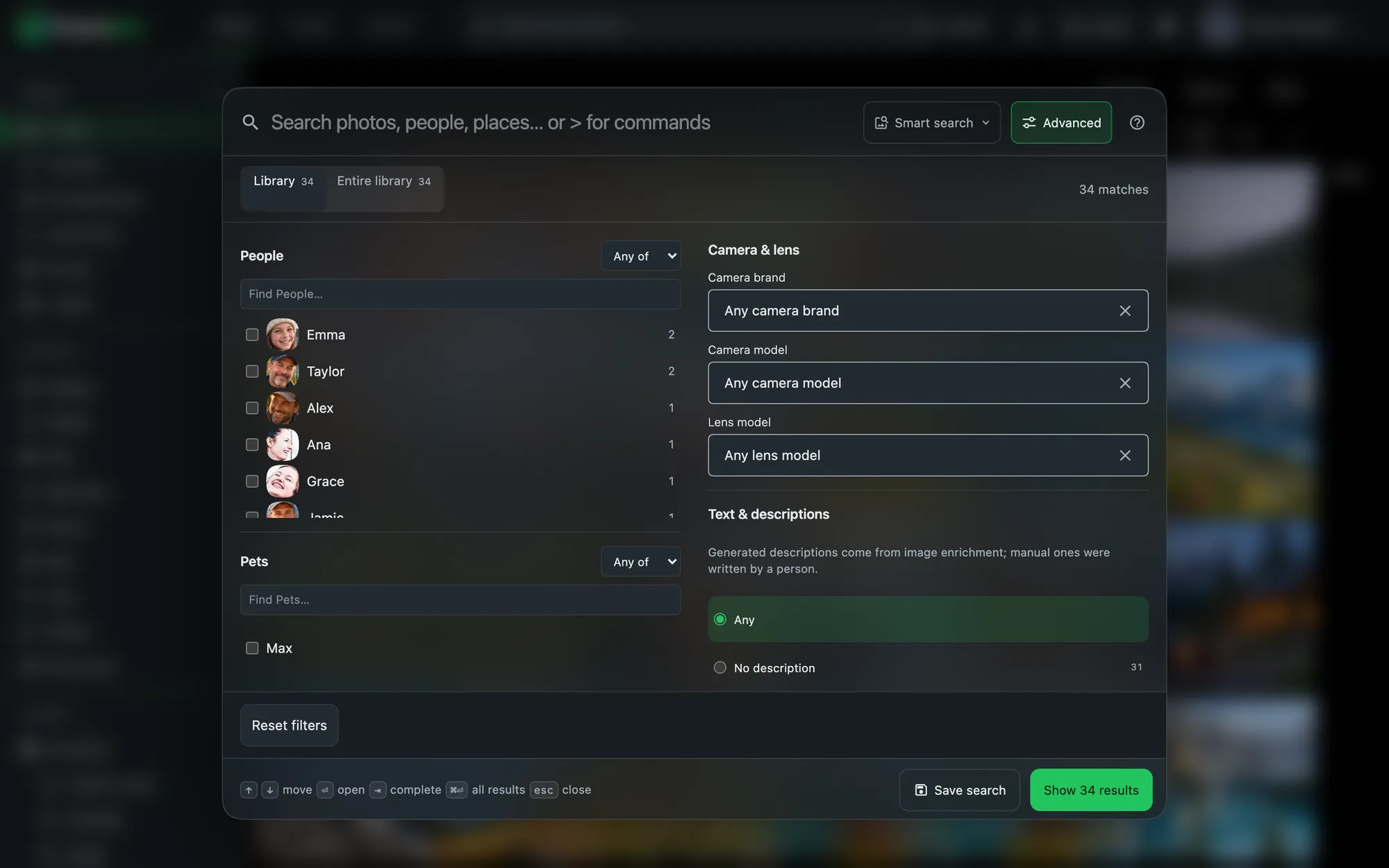
- People, places and dates with any-of, all-of and exclude groups.
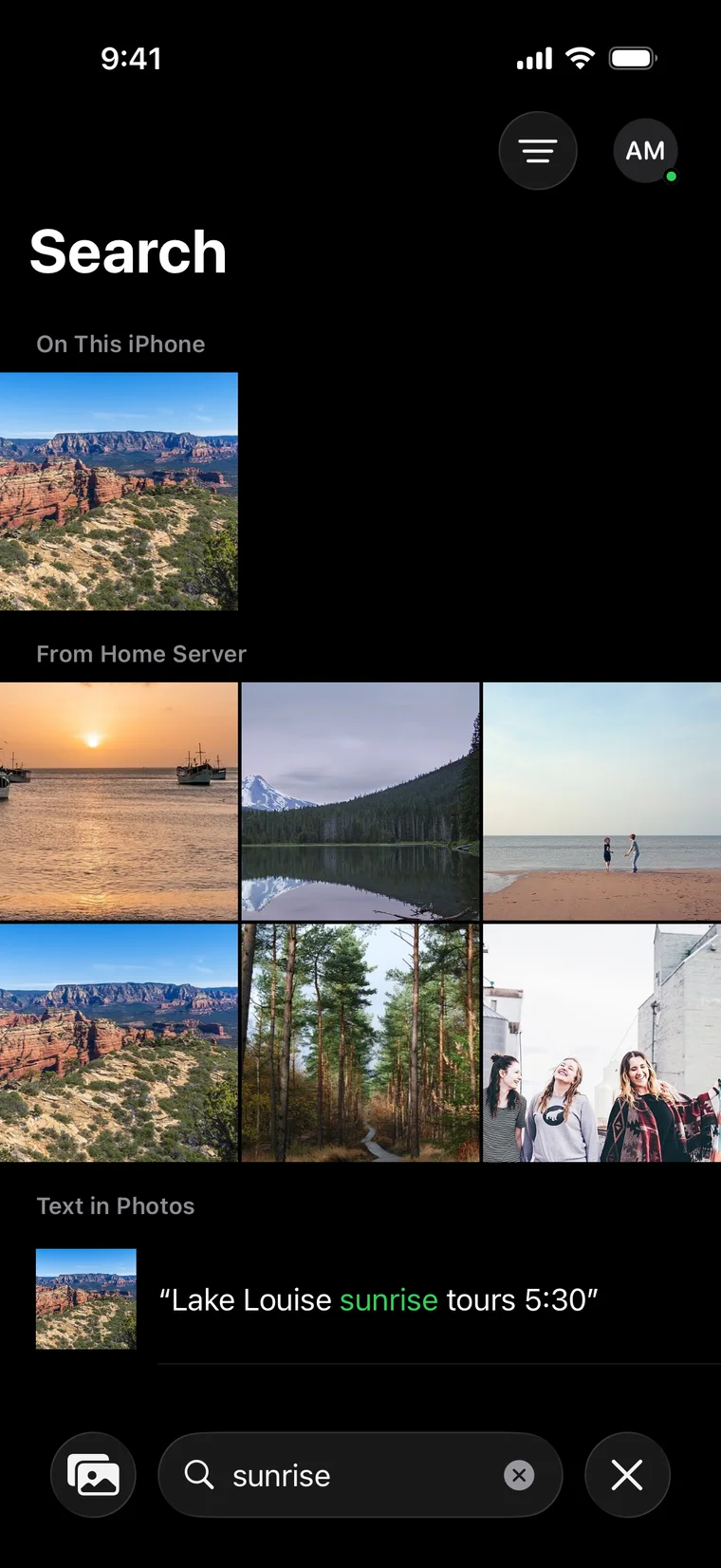
- Text in photos on signs, receipts, whiteboards and screenshots, with the matching words highlighted.
- Description, tags and rating including descriptions written by AI.
- File name, folder, camera and lens when you remember the technical side.
- Favourites, archive and not-in-any-album for tidying up.
On your phone, instantly.
The apps answer first from the copy on your phone, then add smarter results from your server. Place, year, person and similar-photo chips narrow things down, and moments matched inside videos appear above the results.
AI that works for you, at home.
Optional AI features run on your own server's hardware. They're off until an administrator turns them on, and you can try any change on six photos before running it on everything.
Descriptions
A plain-sentence description and searchable tags for every photo, added beside anything you wrote yourself, never over it.
Real names
"Kelly and Connor playing baseball" instead of "a family playing baseball", using only the names you've given in People. Any name the model invents is replaced.
Your vocabulary
Choose terse, balanced or rich, tell it what to look for, and give it your own words and instructions.
Video too
Six frames from each video are described together, so the description covers the whole clip, and search can jump to the right moment.
Smart albums
Travel, Documents & Receipts, Screenshots, Food, Pets and Nature fill themselves. Exclude a photo once and it stays out.
Sensitive content
Optional detection marks likely sensitive photos and can hide them behind your PIN, with your review.
Your hardware
Runs on Intel integrated graphics, NVIDIA or AMD GPUs, or the CPU, with models from 1 GB to 144 GB to match what you have.
Your language
Multilingual search models understand queries in 36 languages besides English.
Documents, found.
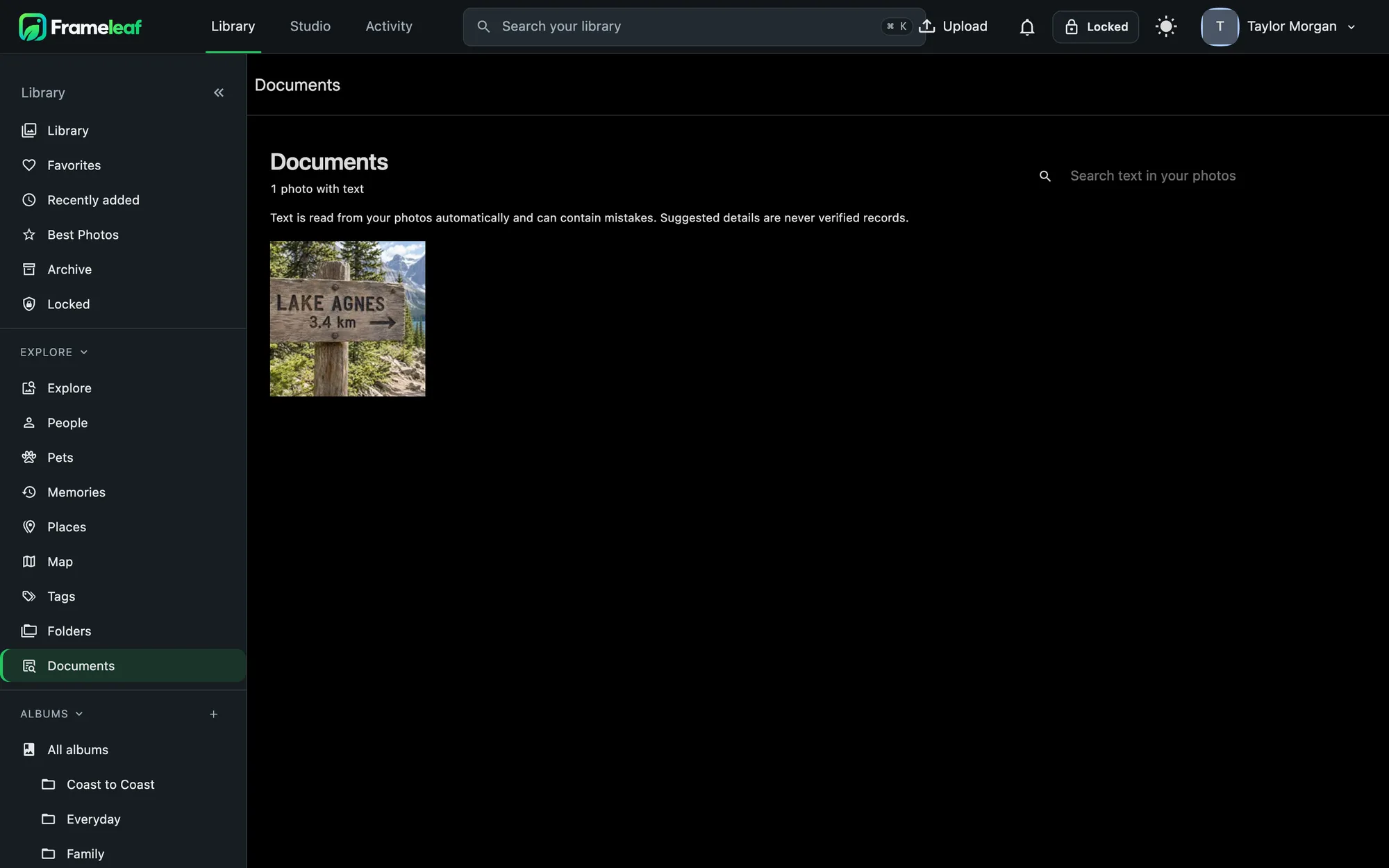
Receipts, letters and signs are recognised on your server, with the text read from each one. Search it, or browse everything document-shaped in one place.
Private by design.
The search index is built by a model on your server and never moves to the cloud, even with Frameleaf Cloud linked. Locked items appear in results, counts and suggestions only while your session is unlocked, and recent searches are kept in memory only.
Need more power? Cloud GPU can write richer descriptions with larger models, only when you choose, and never with your photos' location or camera data.