
Edit freely. The original is always safe.
Every edit in Frameleaf is saved as a new version next to the original. Make a photo sing, then change your mind, as often as you like.
The editor, live on this page.
This is the Frameleaf photo editor, running live in your browser. Drag a slider, press Auto, try a preset or crop the photo. Your original is never touched.
- Auto balances light and colour in one click.
- Hold \ to compare with the original.
- Presets apply a whole look at once.
- Save version keeps the original alongside your edit.
Edits stay in this browser tab.
Tools for photos and videos.
Adjust
Exposure, contrast, highlights, shadows, whites and blacks, temperature, tint and vibrance, plus clarity, dehaze, sharpening and noise reduction. A live histogram follows every change.
Auto
One click balances light and colour. Double-click any slider to reset it.
Crop
Straighten, rotate, flip and reframe to any aspect ratio.
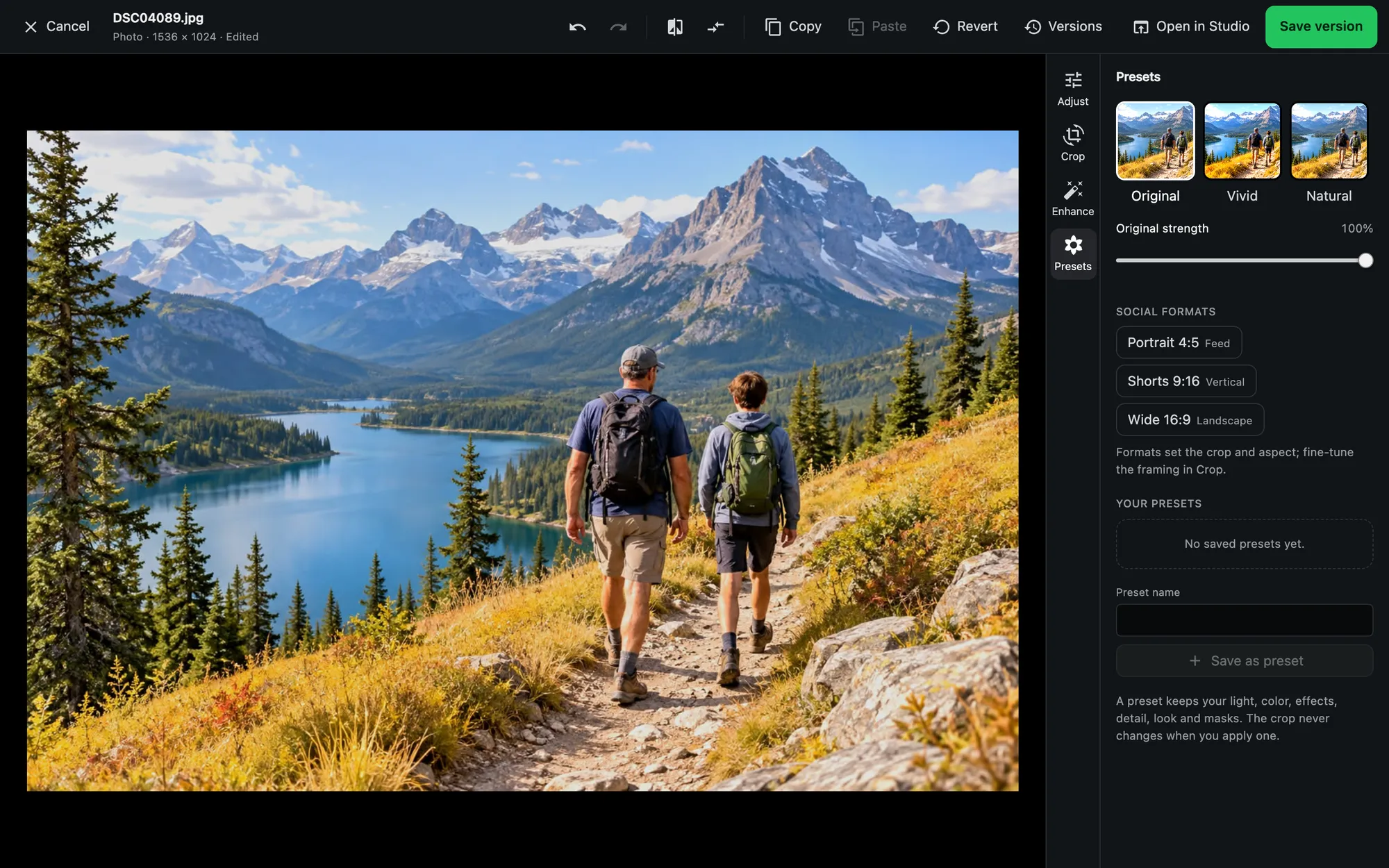
Presets
Apply a whole look in one step, and copy and paste edits between photos.
Versions
Save a version, compare it with the original, or revert at any time.
Video
Trim with frame accuracy, change speed, adjust audio, add text and export a still frame.
Masks and before-and-after.
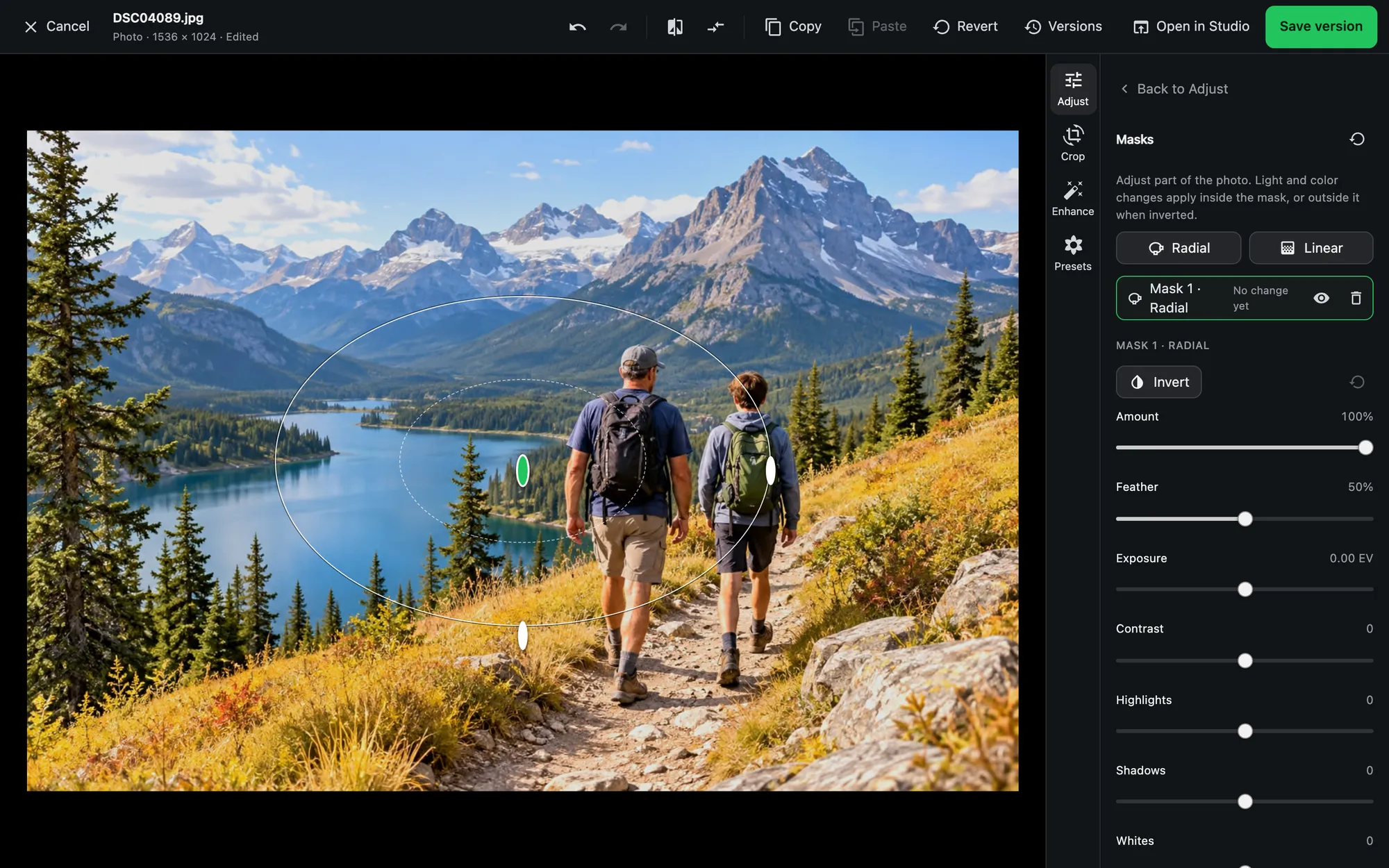
- Radial and linear masks to brighten a face or darken a sky without touching the rest.
- Split view drags a divider across the photo to compare with the original.
- Social crops for the common post and story sizes.
Presets and versions.
Save a look as a preset, copy adjustments from one photo and paste them on many, and keep every saved edit as a version beside the original.
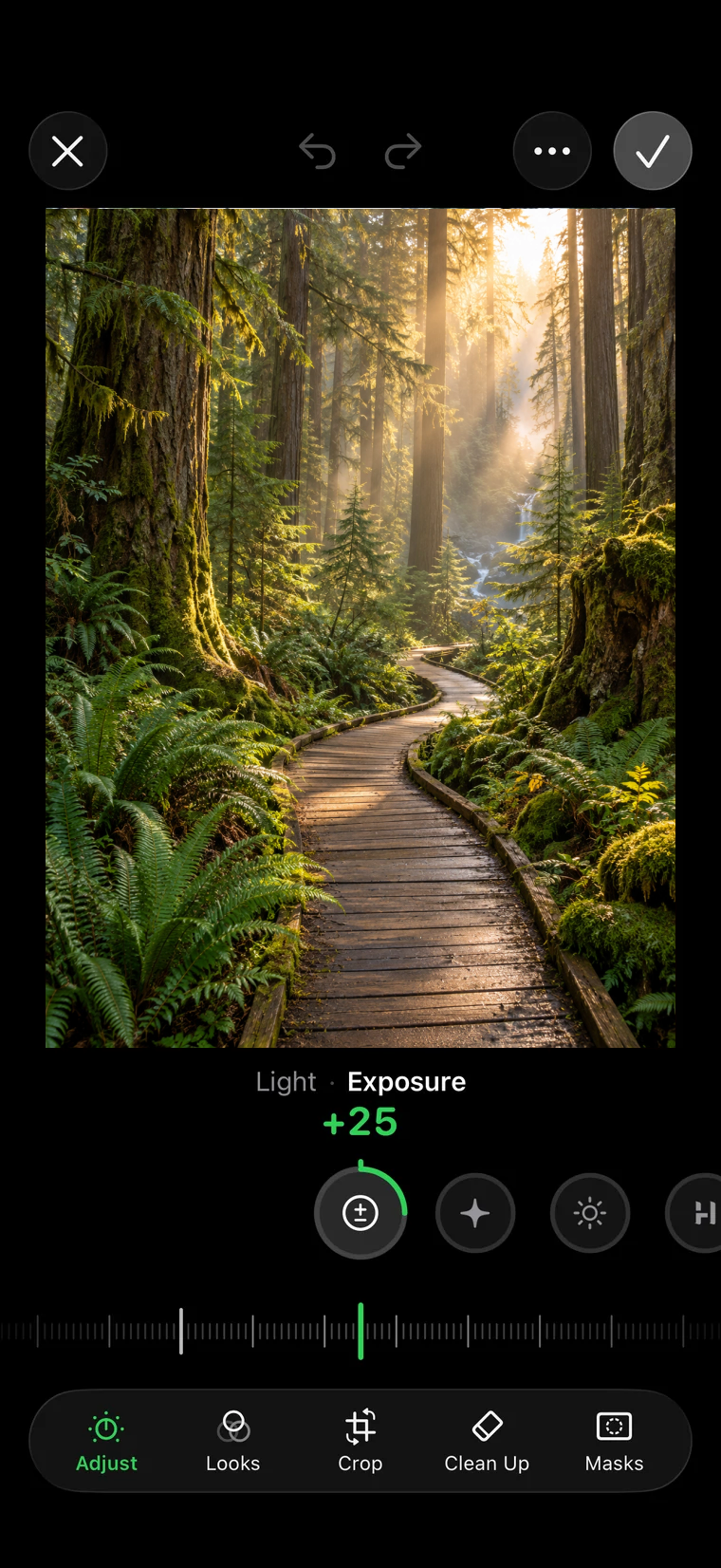
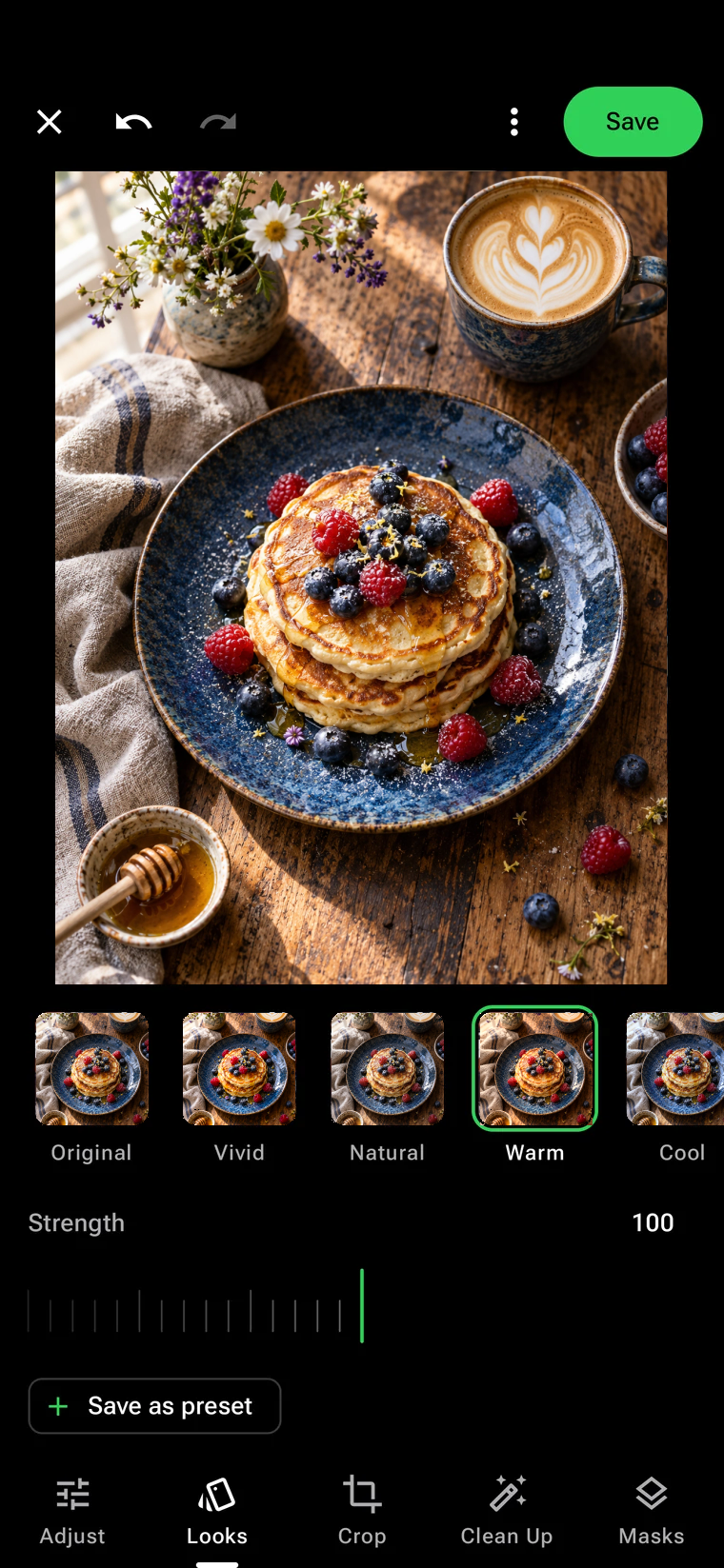
The same editor, on your phone.
Adjust, Looks, Crop, Clean Up and Masks on iPhone and Android. Edits sync to your server as versions, so they show up everywhere.
Studio, when a clip becomes a film.
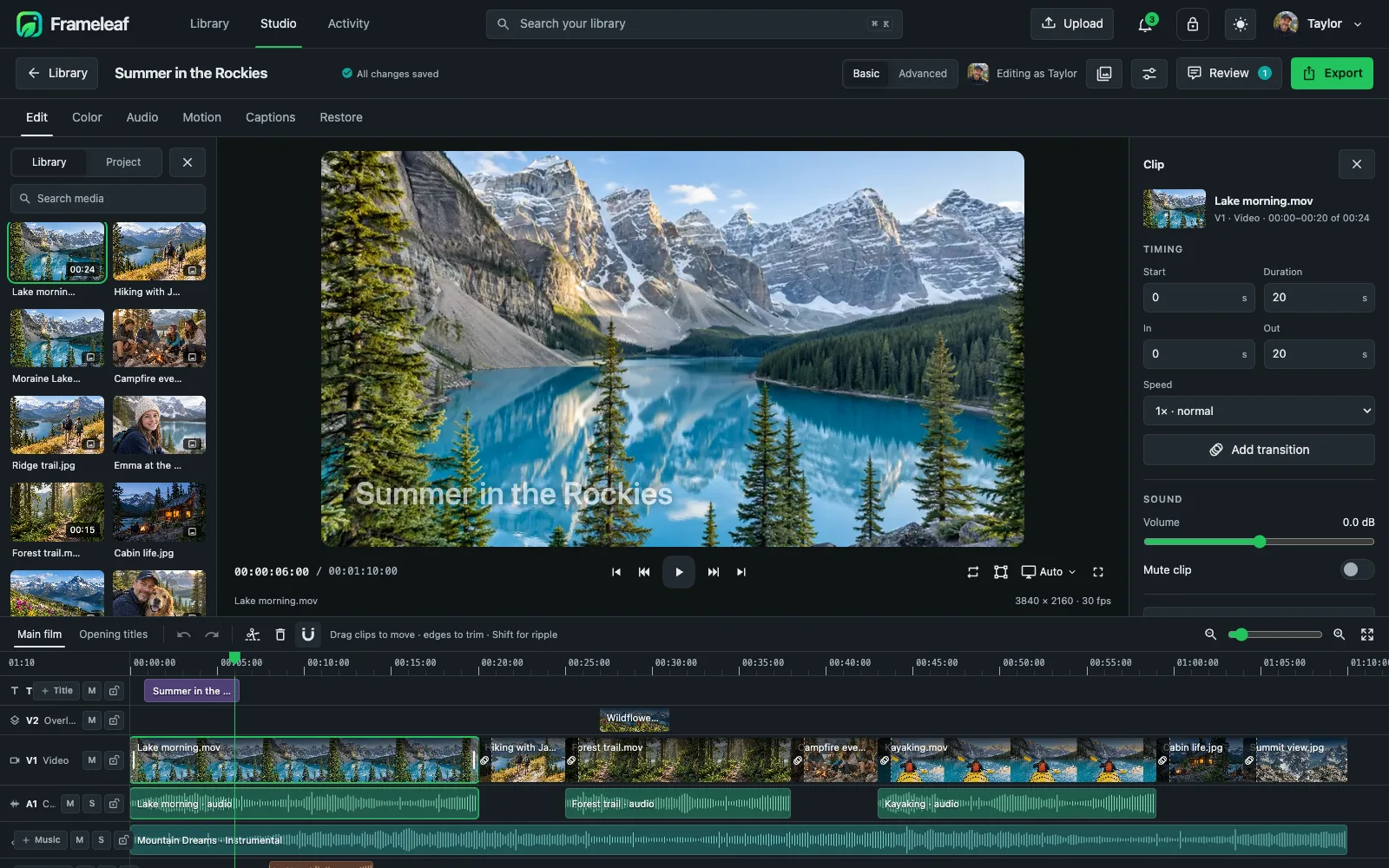
Open any video in Studio for a multitrack timeline with titles, captions, colour, audio and restoration. Exports render on your own server from the original files.
More power with Frameleaf Cloud.
Upscale old photos up to four times, restore home movies, and add smooth slow motion on rented GPUs. You see the cost before anything runs.
Upscale and enhance
Bring small, old photos up to 4× their size.
Video restoration
Preview five seconds, then restore the whole video.