
If the house floods, your photos don't.
Cloud backup keeps an off-site copy of your whole server in a bucket used by nothing else. Restore one photo, an album, a person or everything.
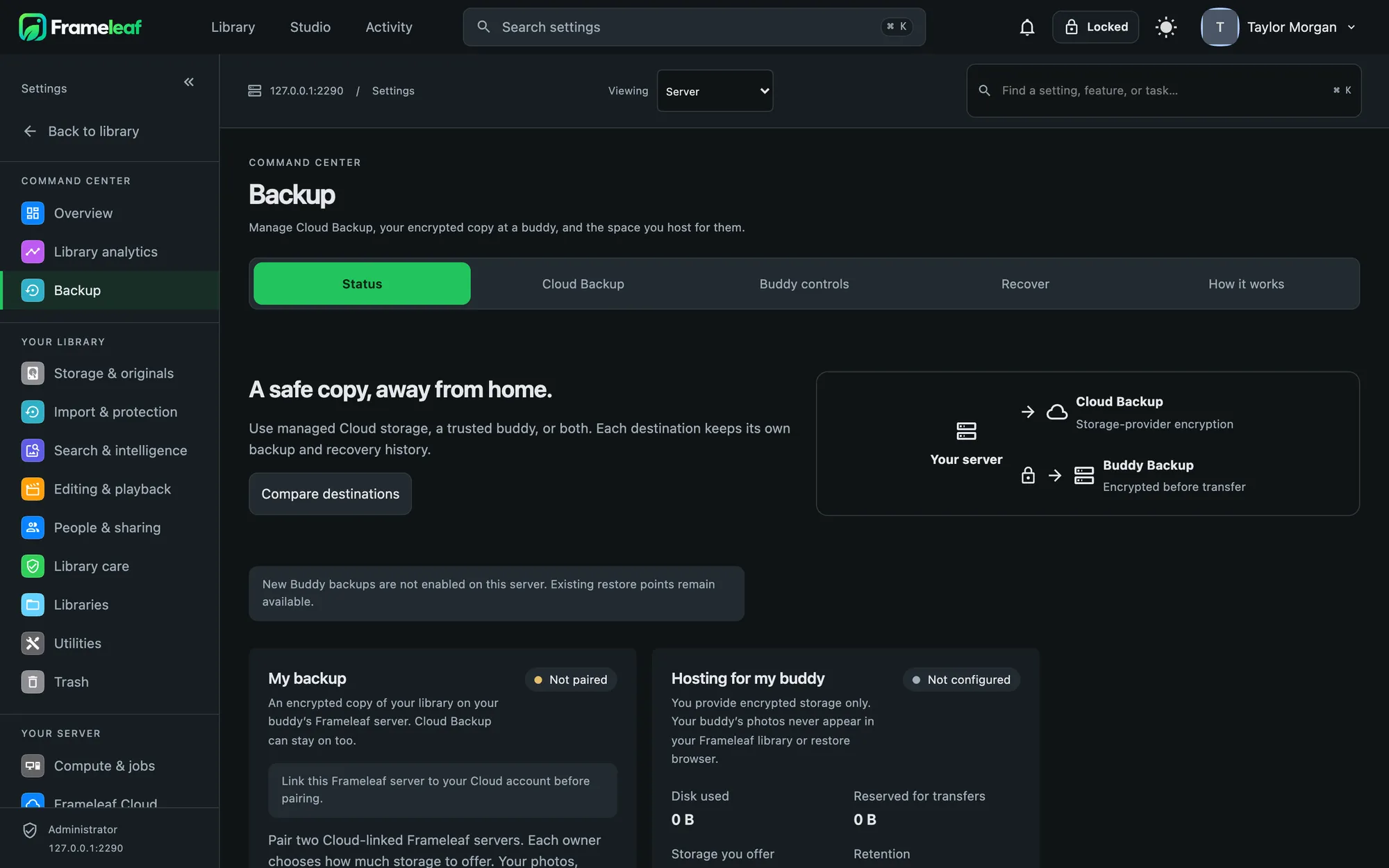
Encrypted with a key you hold.
The storage provider encrypts every file with your bucket's key and never keeps it. Frameleaf Cloud never receives the key. An optional escrow copy, locked with your passphrase, helps if you lose the server but remember the passphrase.
- Generated key kept on your server, with a recovery kit to print or save.
- Your own key created in your browser, with an optional copy on the server.
- Never saved if you'd rather unlock backups yourself after every restart.
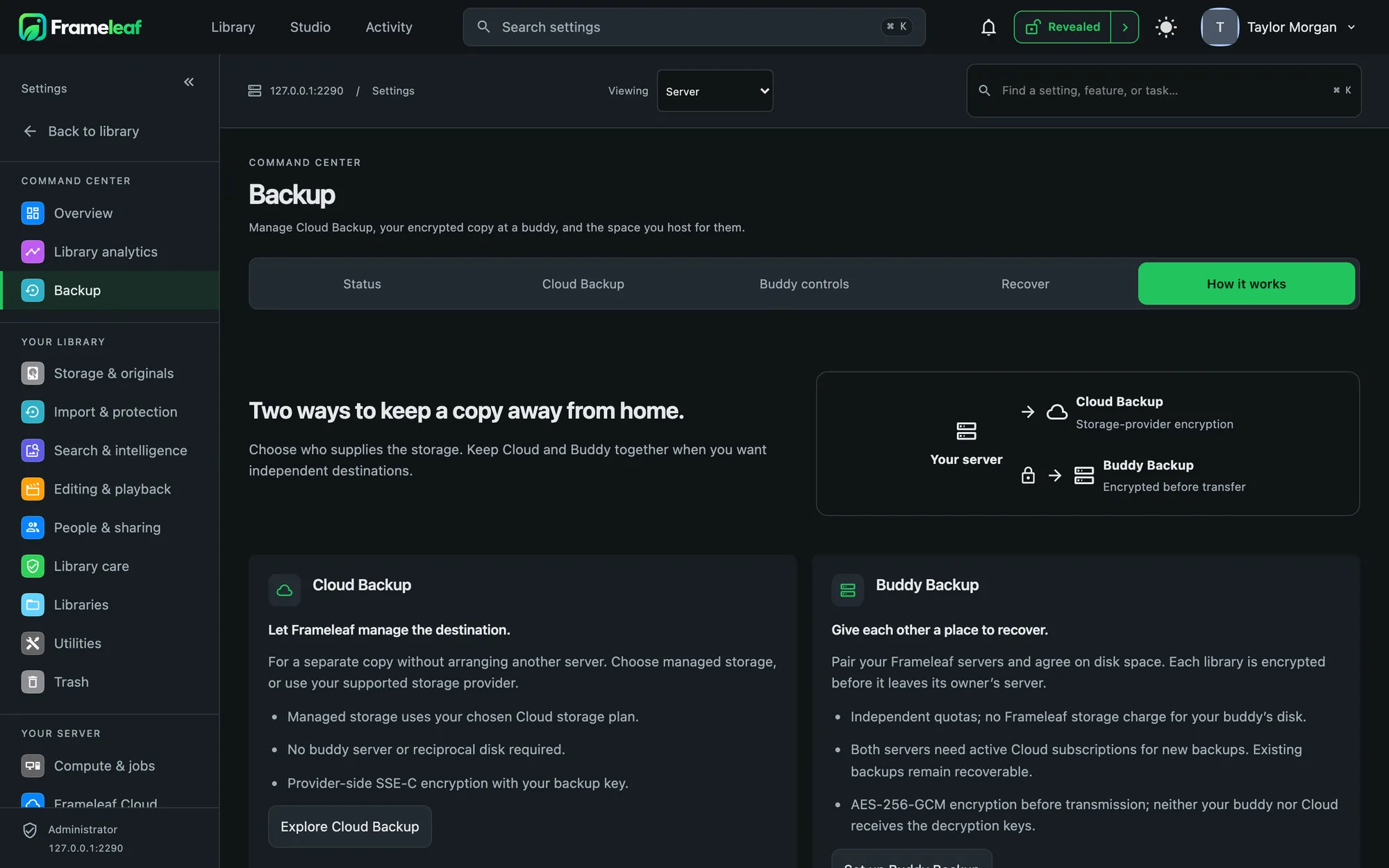
Set and forget.
Nightly
Runs every night at 03:00 by default, or every six hours, or weekly.
Only what changed
New and changed files upload; a photo you have twice is stored once.
Kept for years
7 daily, 4 weekly and 12 monthly restore points by default.
Proven, not assumed
A sample is downloaded and checked every week, and everything once a month.
Ransomware guard
Old versions are kept and your server's credentials can't delete them.
Everything that matters
Originals, their sidecar files, profile pictures and the database. Thumbnails are optional.
Visible on every device.
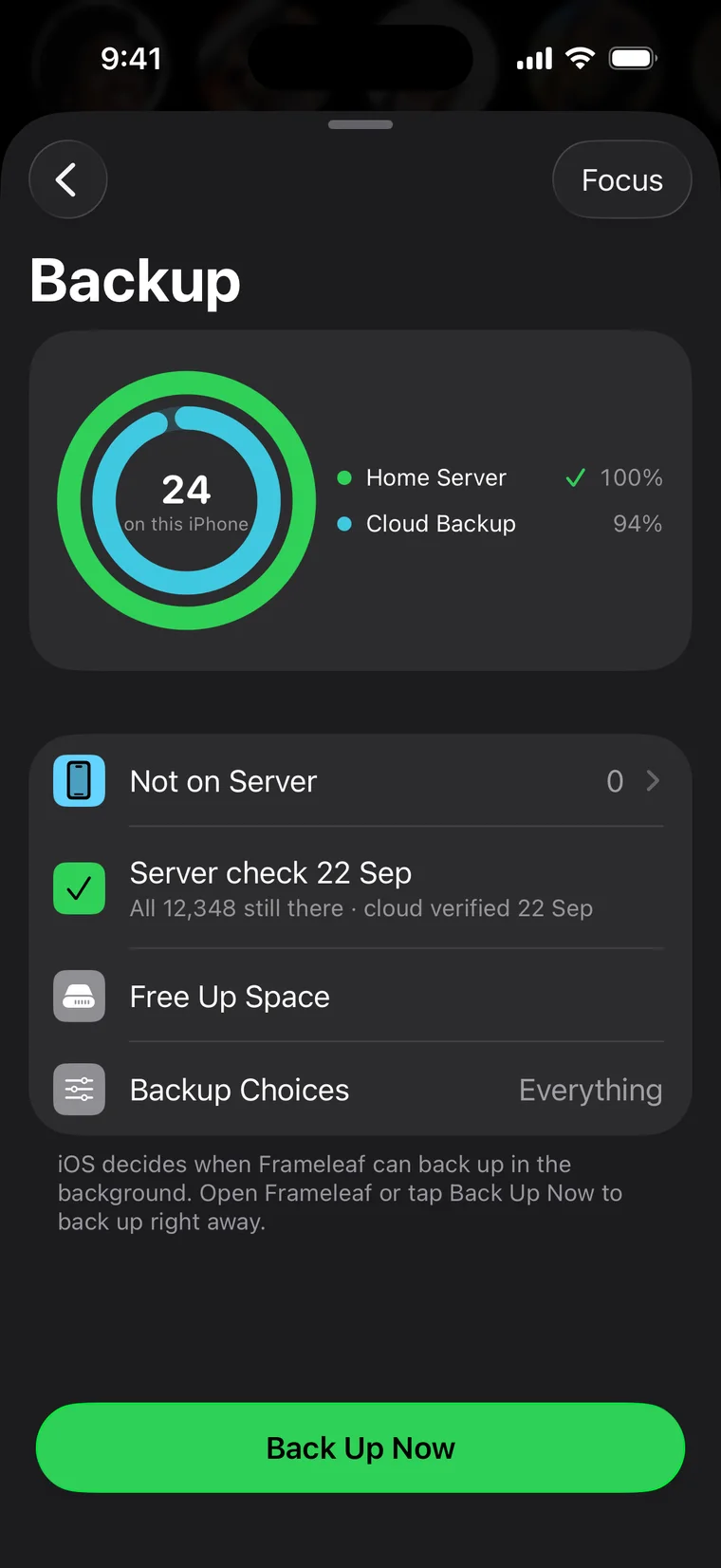
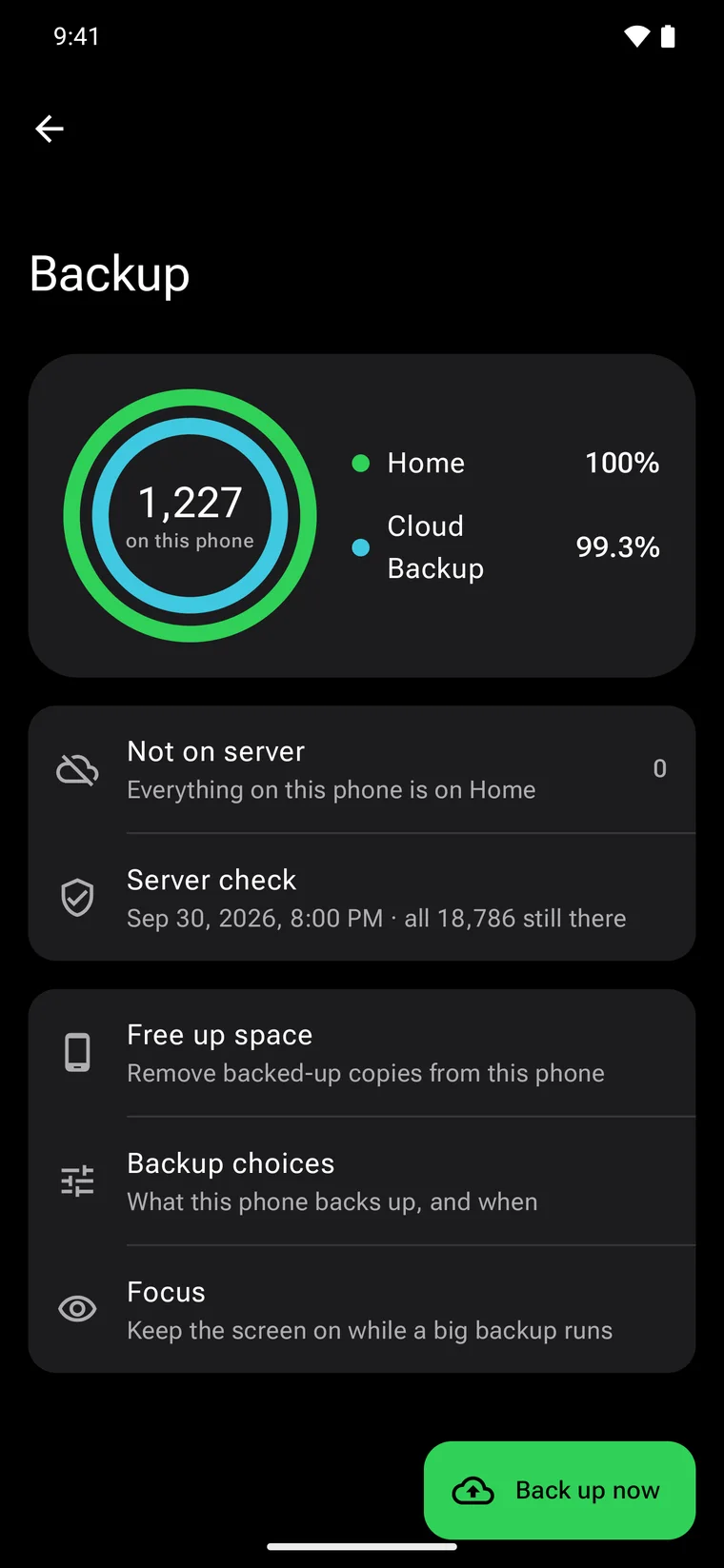
The apps show Cloud Backup as the third place your photos live: the inner ring on the Backup screen, a row in every photo's info and a widget on your Home Screen.
Plenty of room.
1 TB included
With every Frameleaf Cloud plan.
Grows with you
On the web plan, more space is added automatically in 1 TB steps at $9.99 a month, and backups never go read-only for size.
Store plans
App Store and Google Play plans are fixed tiers. When you outgrow one, we ask before moving you up.
Bring your own bucket
Prefer your own S3-compatible storage? Point backup at it, no plan needed.